


-
Book Overview & Buying
-
Table Of Contents

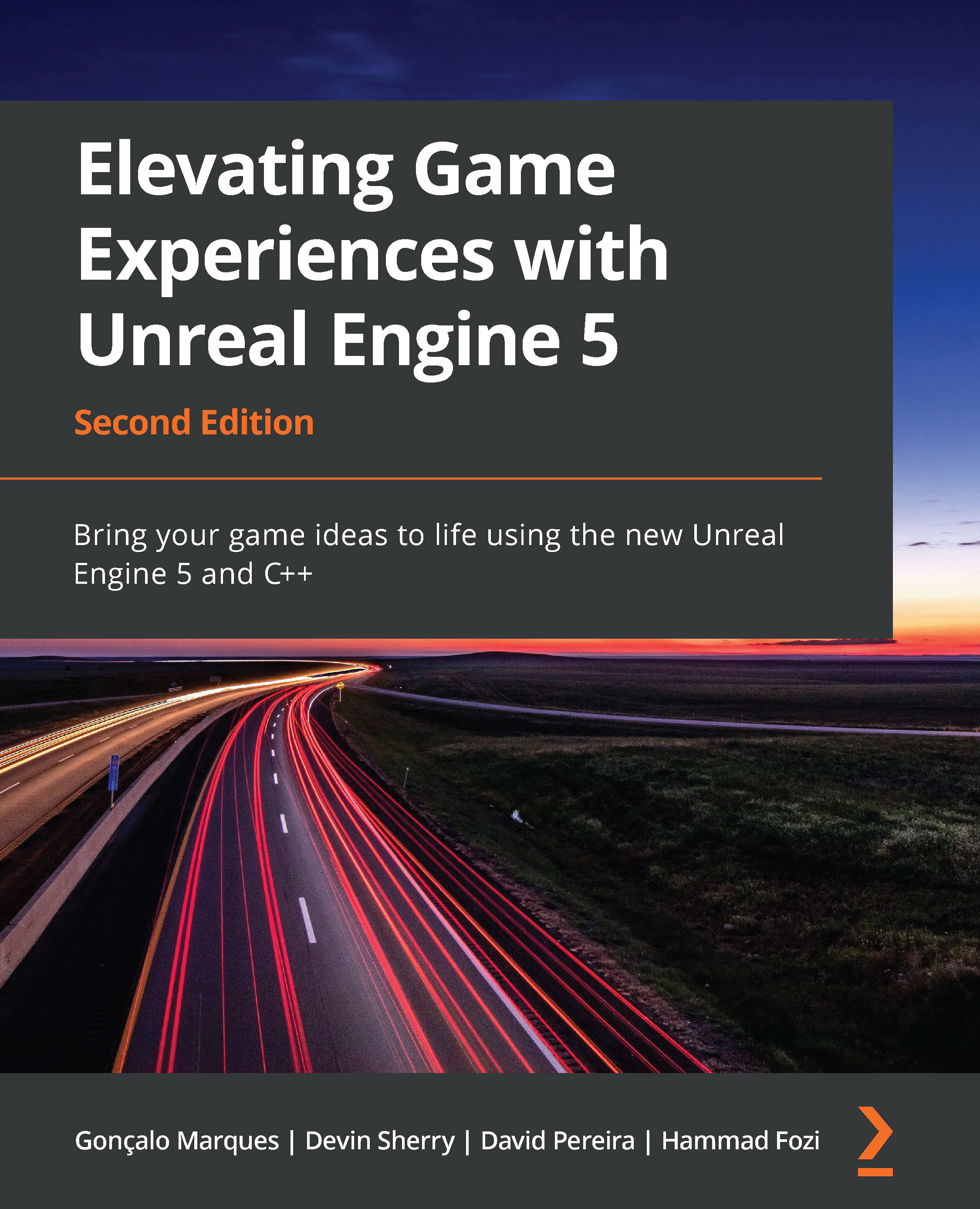
Elevating Game Experiences with Unreal Engine 5 - Second Edition
By :


Elevating Game Experiences with Unreal Engine 5
By:
Overview of this book
Immerse yourself in the Unreal game projects with this book, written by four highly experienced industry professionals with many years of combined experience with Unreal Engine. Elevating Game Experiences with Unreal Engine 5 will walk you through the latest version of Unreal Engine by helping you get hands-on with the game creation projects.
The book starts with an introduction to the Unreal Editor and key concepts such as actors, blueprints, animations, inheritance, and player input. You'll then move on to the first of three projects, building a dodgeball game, where you'll learn the concepts of line traces, collisions, projectiles, user interface, and sound effects. You’ll also discover how to combine these concepts to showcase your new skills. The second project, a side-scroller game, will help you implement concepts such as animation blending, enemy AI, spawning objects, and collectibles. And finally, you'll cover the key concepts in creating a multiplayer environment as you work on the third project, an FPS game.
By the end of this Unreal Engine book, you'll have a broad understanding of how to use the tools that the game engine provides to start building your own games.
Table of Contents (21 chapters)
Preface


Chapter 1: Introduction to Unreal Engine
 Free Chapter
Chapter 2: Working with Unreal Engine
Chapter 3: Character Class Components and Blueprint Setup
Chapter 4: Getting Started with Player Input
Chapter 5: Query with Line Traces
Chapter 6: Setting Up Collision Objects
Chapter 7: Working with UE5 Utilities
Chapter 8: Creating User Interfaces with UMG
Chapter 9: Adding Audio-Visual Elements
Chapter 10: Creating the SuperSideScroller Game
Chapter 11: Working with Blend Space 1D, Key Bindings, and State Machines

Chapter 12: Animation Blending and Montages
Chapter 13: Creating and Adding the Enemy Artificial Intelligence
Chapter 14: Spawning the Player Projectile
Chapter 15: Exploring Collectibles, Power-Ups, and Pickups
Chapter 16: Getting Started with Multiplayer Basics
Chapter 17: Using Remote Procedure Calls
Chapter 18: Using Gameplay Framework Classes in Multiplayer
Index
Other Books You May Enjoy


