-
Book Overview & Buying
-
Table Of Contents

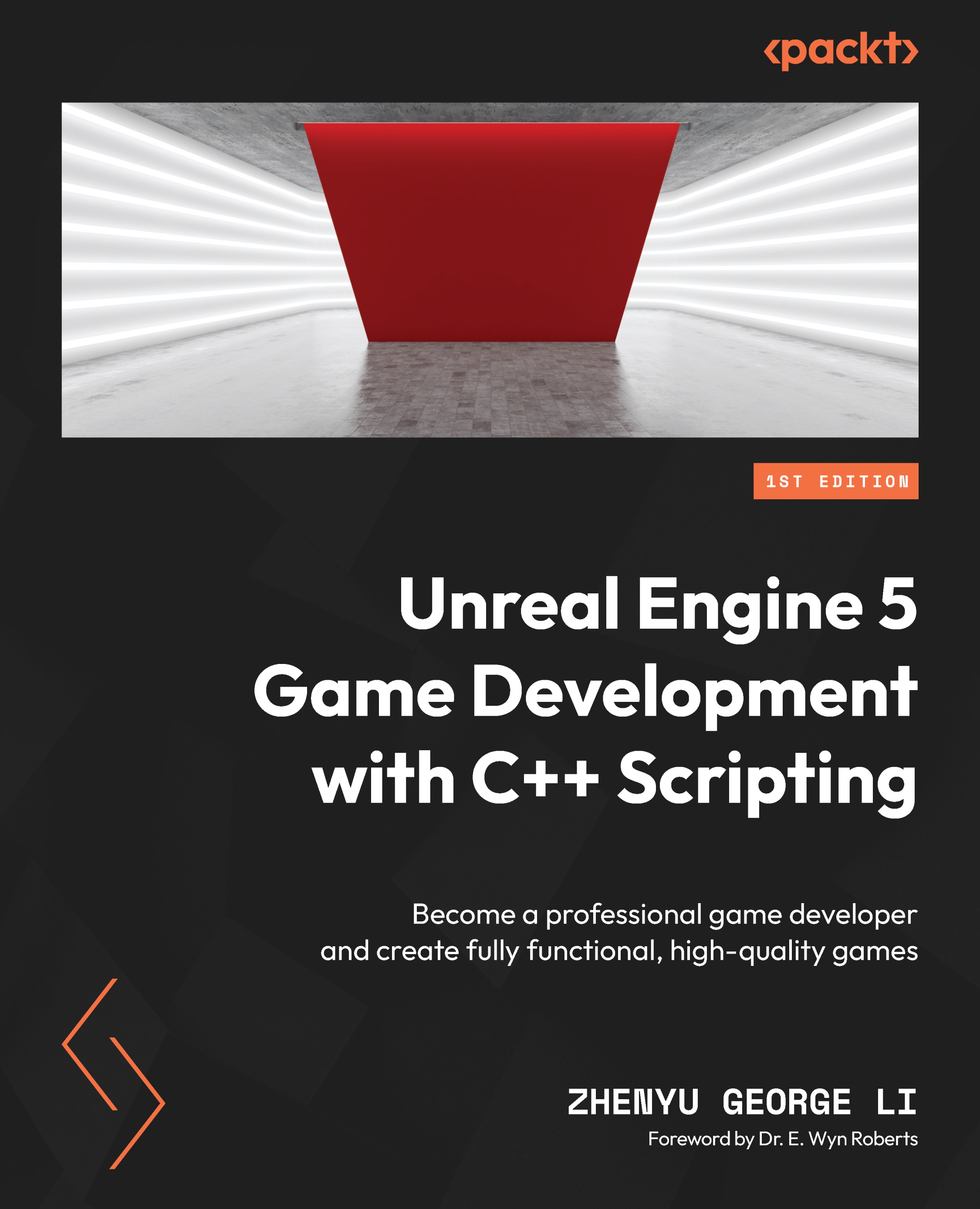
Unreal Engine 5 Game Development with C++ Scripting
By :


Unreal Engine 5 Game Development with C++ Scripting
By:
Overview of this book
Unreal Engine is one of the most popular and accessible game engines in the industry, creating multiple job opportunities. Owing to C++ scripting's high performance, advanced algorithms, and engineering maintenance, it has become the industry standard for developing commercial games. However, C++ scripting can be overwhelming for anyone without a programming background. Unreal Engine 5 Game Development with C++ Scripting will help you master C++ and get a head start on your game development journey.
You’ll start by creating an Unreal Engine C++ project from the shooter template and then move on to building the C++ project and the C++ code inside the Visual Studio editor. You’ll be introduced to the fundamental C++ syntax and essential object-oriented programming concepts. For a holistic understanding of game development, you’ll also uncover various aspects of the game, including character creation, player input and character control, gameplay, collision detection, UI, networking, and packaging a completed multiplayer game.
By the end of this book, you’ll be well-equipped to create professional, high-quality games using Unreal Engine 5 with C++, and will have built a solid foundation for more advanced C++ programming and game development technologies.
Table of Contents (18 chapters)
Preface


Part 1: Getting Started with Unreal C++ Scripting
 Free Chapter
Chapter 1: Creating Your First Unreal C++ Game
Chapter 2: Editing C++ Code in Visual Studio
Chapter 3: Learning C++ and Object-Oriented Programming
Chapter 4: Investigating the Shooter Game’s Generated Project and C++ Code
Part 2: C++ Scripting for Unreal Engine
Chapter 5: Learning How to Use UE Gameplay Framework Base Classes
Chapter 6: Creating Game Actors
Chapter 7: Controlling Characters
Chapter 8: Handling Collisions
Chapter 9: Improving C++ Code Quality
Part 3: Making a Complete Multiplayer Game
Chapter 10: Making Pangaea a Network Multiplayer Game
Chapter 11: Controlling the Game Flow

Chapter 12: Polishing and Packaging the Game
Index