


-
Book Overview & Buying
-
Table Of Contents

Learn Microsoft Power Apps - Second Edition
By :


Learn Microsoft Power Apps
By:
Overview of this book
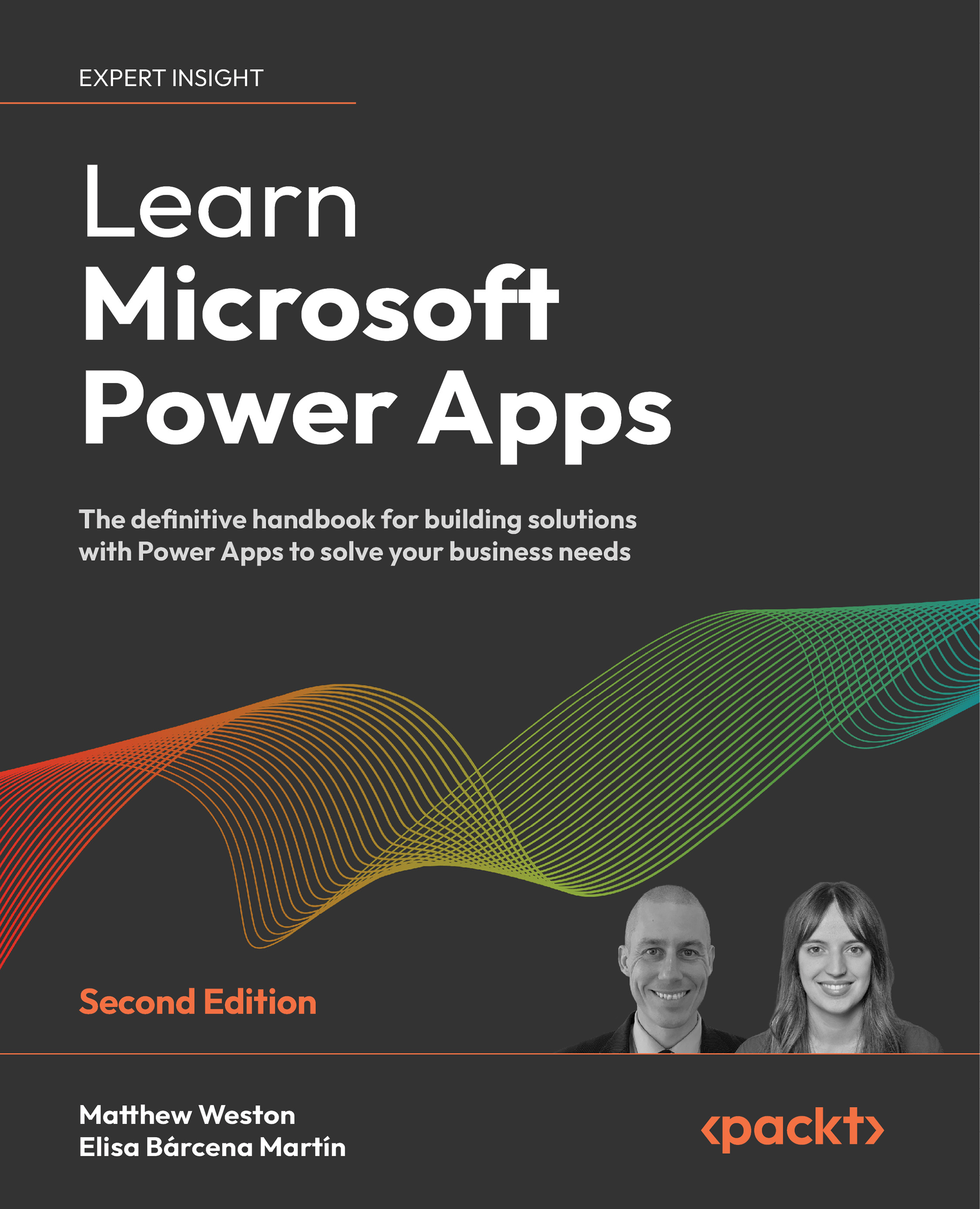
Microsoft Power Apps provides a modern approach to building low-code business applications for mobiles, tablets, browsers, and Microsoft Teams. The second edition of Learn Microsoft Power Apps will guide you in creating well designed and secure apps that transform old processes and workflows.
Learn Microsoft Power Apps starts with an introduction to Power Apps to help you feel comfortable with the creation experience. Using screenshots from the latest UI, you will be guided through how to create an app, building your confidence to start developing further. This book will help you design, set up, and configure your first application by writing simple formulas. You'll learn about the different types of apps you can build in Power Apps and which one applies best to your requirements.
In addition to this, you’ll learn how to identify the right data storage system for you, with new chapters covering how to integrate apps with SharePoint or Dataverse. As you advance, you’ll be able to use various controls, connectors, and data sources to create a powerful, interactive app. For example, this book will help you understand how Power Apps can use Microsoft Power Automate, Power BI, and Azure functionalities to improve your applications. Finally, you will be introduced to the emerging Power Apps Copilot tool, which uses artificial intelligence to accelerate the app building process.
By the end of this Power Apps book, you’ll be ready to confidently develop lightweight business applications with minimal code.
Table of Contents (27 chapters)
Preface


 Free Chapter
Introducing Power Apps
Creating Your First Canvas Power App
Creating Apps in SharePoint
Publishing and Leveraging in Power Apps
Exploring Controls
Exploring Formulas

Exploring Reusable Controls
Working with Data
Introducing Connectors
Using GPS in Power Apps
Working with Images and Barcodes
Securing Your Power Apps
Working Offline
Using Power Automate with Power Apps
Using Azure with Power Apps
Visualizing Data
Introducing Artificial Intelligence
Introducing Microsoft Dataverse
Introducing Model-Driven Apps
Creating Model-Driven Apps
Exploring Environments and Data Policies
Introducing the Future of Power Apps
Good Practices for Creating Power Apps
Other Books You May Enjoy
Index
Appendix


