
Sign In Start Free Trial
Account

Add to playlist

Create a Playlist

Modal Close icon
You need to login to use this feature.
  • Book Overview & Buying Unity 2020 Mobile Game Development
  • Table Of Contents Toc
Unity 2020 Mobile Game Development

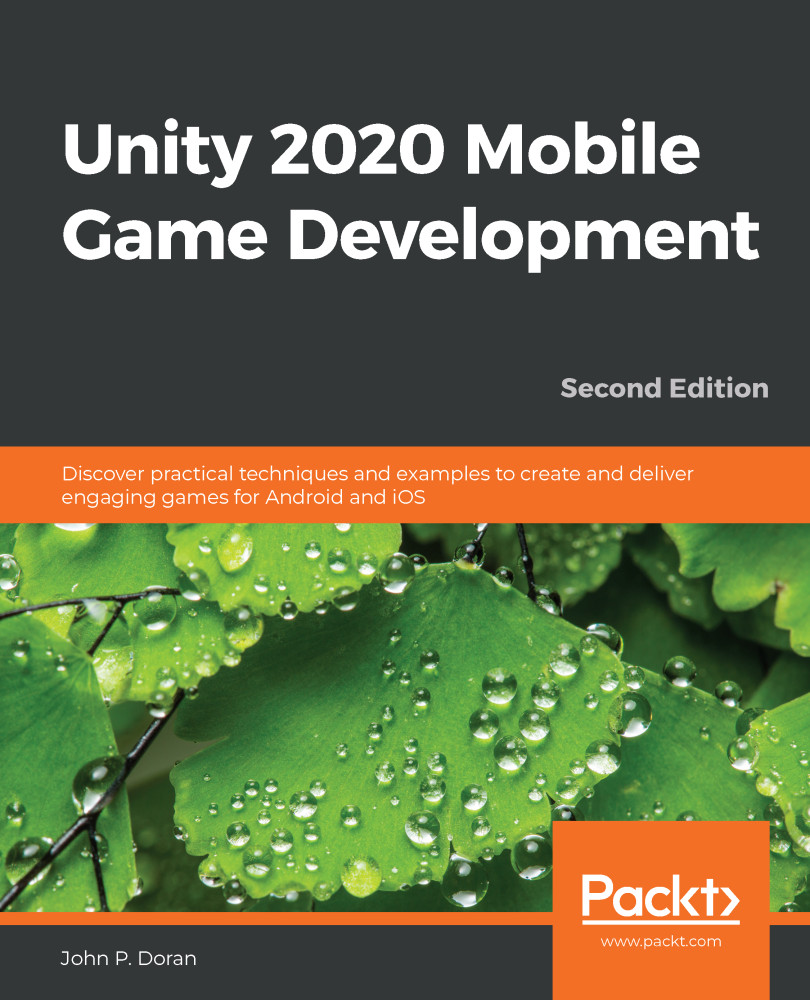
Unity 2020 Mobile Game Development - Second Edition

By : John P. Doran
5 (1)
close
close
Unity 2020 Mobile Game Development

Unity 2020 Mobile Game Development

5 (1)
By: John P. Doran

Overview of this book

Unity 2020 brings a lot of new features that can be harnessed for building powerful games for popular mobile platforms. This updated second edition delves into Unity development, covering the new features of Unity, modern development practices, and augmented reality (AR) for creating an immersive mobile experience. The book takes a step-by-step approach to building an endless runner game using Unity to help you learn the concepts of mobile game development. This new edition also covers AR features and explains how to implement them using ARCore and ARKit with Unity. The book explores the new mobile notification package and helps you add notifications for your games. You’ll learn how to add touch gestures and design UI elements that can be used in both landscape and portrait modes at different resolutions. The book then covers the best ways to monetize your games using Unity Ads and in-app purchases before you learn how to integrate your game with various social networks. Next, using Unity’s analytics tools, you’ll enhance your game by gaining insights into how players like and use your game. Finally, you’ll take your games into the real world by implementing AR capabilities and publishing them on both Android and iOS app stores. By the end of this book, you will have learned Unity tools and techniques and be able to use them to build robust cross-platform mobile games.
Table of Contents (14 chapters)
close
close

Adding a scoring system

In order to provide an incentive for players to share our game with others, we need to provide a compelling reason to do so. Some people are very competitive and wish to be the best at playing a game, challenging others to do better than them. To help with that, we can allow our players to share a score value via social media. However, to do that, we'll first need to have a scoring system. Thankfully, it's not too difficult to do that, so let's add that in real quick using the following steps:

  1. Start off by opening the Gameplay.scene file located in the Assets/Scenes folder of the project. To show our players what their score is, we'll need to have some way to display it on the screen. In our case, the easiest way would be with a text object.
  2. From the Hierarchy window, select the Panel object that is a child of the Canvas object and rename it to SafeAreaHolder, as we did with the panel with the UI Safe Area Handler component in the Title Screen...
CONTINUE READING
83
Tech Concepts
36
Programming languages
73
Tech Tools
Icon Unlimited access to the largest independent learning library in tech of over 8,000 expert-authored tech books and videos.
Icon Innovative learning tools, including AI book assistants, code context explainers, and text-to-speech.
Icon 50+ new titles added per month and exclusive early access to books as they are being written.
Unity 2020 Mobile Game Development
notes
bookmark Notes and Bookmarks search Search in title playlist Add to playlist download Download options font-size Font size

Change the font size

margin-width Margin width

Change margin width

day-mode Day/Sepia/Night Modes

Change background colour

Close icon Search
Country selected

Close icon Your notes and bookmarks

Confirmation

Modal Close icon
claim successful

Buy this book with your credits?

Modal Close icon
Are you sure you want to buy this book with one of your credits?
Close
YES, BUY

Submit Your Feedback

Modal Close icon
Modal Close icon
Modal Close icon