
Sign In Start Free Trial
Account

Add to playlist

Create a Playlist

Modal Close icon
You need to login to use this feature.
  • Book Overview & Buying Hands-On Object-Oriented Programming with C#
  • Table Of Contents Toc
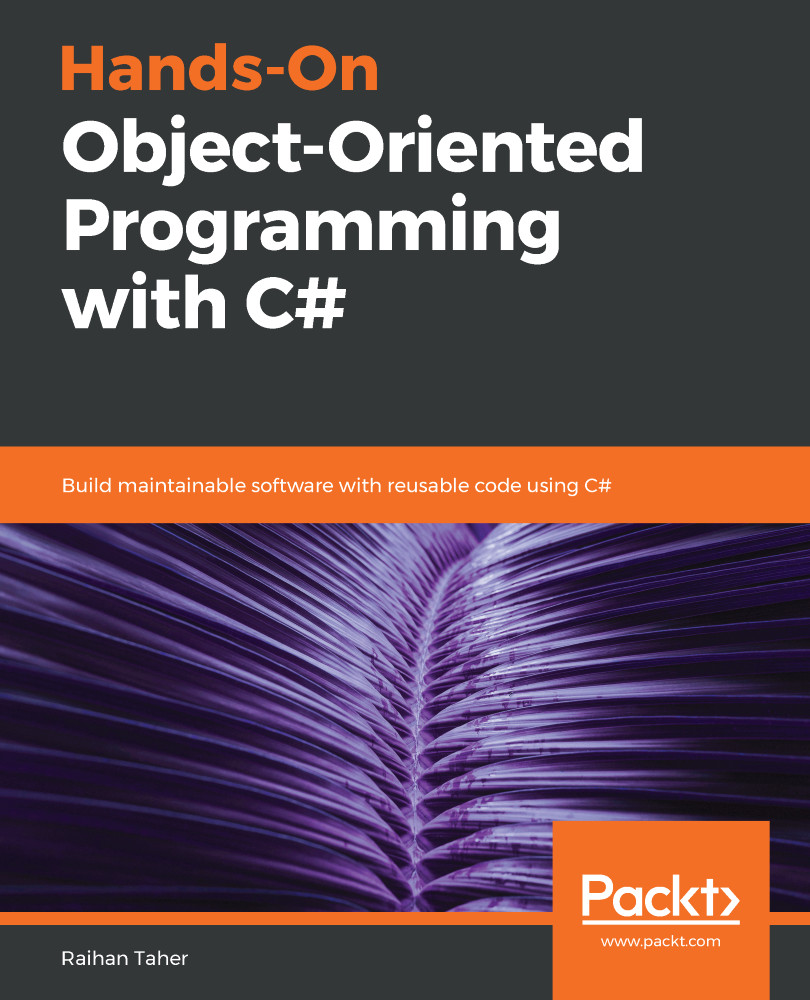
Hands-On Object-Oriented Programming with C#

Hands-On Object-Oriented Programming with C#

By : Abhishek Sur, Taher
3.5 (4)
close
close
Hands-On Object-Oriented Programming with C#

Hands-On Object-Oriented Programming with C#

3.5 (4)
By: Abhishek Sur, Taher

Overview of this book

Object-oriented programming (OOP) is a programming paradigm organized around objects rather than actions, and data rather than logic. With the latest release of C#, you can look forward to new additions that improve object-oriented programming. This book will get you up to speed with OOP in C# in an engaging and interactive way. The book starts off by introducing you to C# language essentials and explaining OOP concepts through simple programs. You will then go on to learn how to use classes, interfacesm and properties to write pure OOP code in your applications. You will broaden your understanding of OOP further as you delve into some of the advanced features of the language, such as using events, delegates, and generics. Next, you will learn the secrets of writing good code by following design patterns and design principles. You'll also understand problem statements with their solutions and learn how to work with databases with the help of ADO.NET. Further on, you'll discover a chapter dedicated to the Git version control system. As you approach the conclusion, you'll be able to work through OOP-specific interview questions and understand how to tackle them. By the end of this book, you will have a good understanding of OOP with C# and be able to take your skills to the next level.
Table of Contents (16 chapters)
close
close

How Git works

The main task of Git is to keep track of code versions and allow developers to go back to any previous state if necessary. This is done by taking a snapshot of every version and maintaining it in a local file storage system. Unlike other systems, Git uses local file storage to store snapshots, which means that Git can be used locally—even without an internet connection. With the local version of Git, you can do almost everything that you can do with an internet-connected version of Git.

After you install Git in your project, you can choose which directory of your filesystem you want to keep under Git version control. Normally, a project or directory—which is one entity in Git—is called a repository. A repository might contain different projects, one project, or just some of the project files, depending on what you want to keep in Git version...

CONTINUE READING
83
Tech Concepts
36
Programming languages
73
Tech Tools
Icon Unlimited access to the largest independent learning library in tech of over 8,000 expert-authored tech books and videos.
Icon Innovative learning tools, including AI book assistants, code context explainers, and text-to-speech.
Icon 50+ new titles added per month and exclusive early access to books as they are being written.
Hands-On Object-Oriented Programming with C#
notes
bookmark Notes and Bookmarks search Search in title playlist Add to playlist download Download options font-size Font size

Change the font size

margin-width Margin width

Change margin width

day-mode Day/Sepia/Night Modes

Change background colour

Close icon Search
Country selected

Close icon Your notes and bookmarks

Confirmation

Modal Close icon
claim successful

Buy this book with your credits?

Modal Close icon
Are you sure you want to buy this book with one of your credits?
Close
YES, BUY

Submit Your Feedback

Modal Close icon
Modal Close icon
Modal Close icon