


Visual Studio is an essential tool for a C# developer; understanding it properly will increase your productivity. In this chapter, we discussed various concepts related to Visual Studio, including its project and templates, its different editors and windows, and its debugging facilities. We also looked at breakpoints, Call Stack Trace, and the Watch window, and how to use these to optimize your debugging process. After that, we explored Git and GitHub integration with Visual Studio. Finally, we talked about the different refactoring features that are available in Visual Studio. It's very hard to cover all of the concepts that are related to such an extraordinary IDE in one chapter of a book; I would recommend that you play with it and explore it further in order to learn how to use it in the best way possible. In the next chapter, we will talk about databases and...
-
Book Overview & Buying
-
Table Of Contents

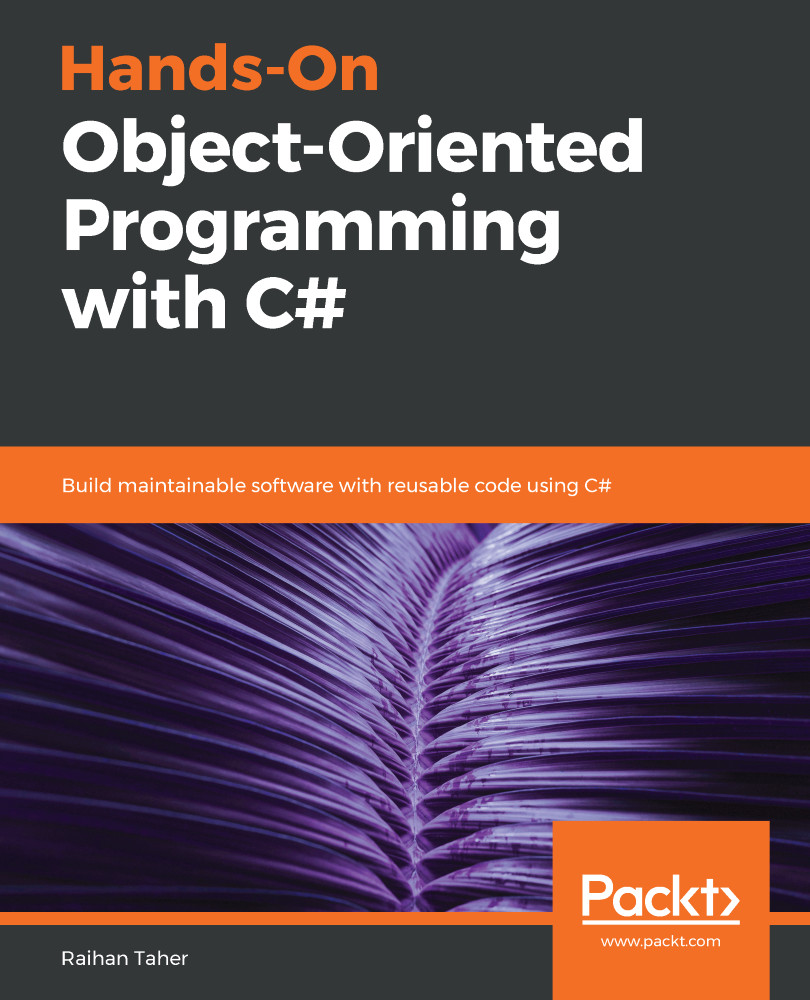
Hands-On Object-Oriented Programming with C#
By :


Hands-On Object-Oriented Programming with C#
By:
Overview of this book
Object-oriented programming (OOP) is a programming paradigm organized around objects rather than actions, and data rather than logic. With the latest release of C#, you can look forward to new additions that improve object-oriented programming.
This book will get you up to speed with OOP in C# in an engaging and interactive way. The book starts off by introducing you to C# language essentials and explaining OOP concepts through simple programs. You will then go on to learn how to use classes, interfacesm and properties to write pure OOP code in your applications. You will broaden your understanding of OOP further as you delve into some of the advanced features of the language, such as using events, delegates, and generics. Next, you will learn the secrets of writing good code by following design patterns and design principles. You'll also understand problem statements with their solutions and learn how to work with databases with the help of ADO.NET. Further on, you'll discover a chapter dedicated to the Git version control system. As you approach the conclusion, you'll be able to work through OOP-specific interview questions and understand how to tackle them.
By the end of this book, you will have a good understanding of OOP with C# and be able to take your skills to the next level.
Table of Contents (16 chapters)
Preface

 Free Chapter
Overview of C# as a Language
Hello OOP - Classes and Objects
Implementation of OOP in C#
Object Collaboration
Exception Handling
Events and Delegates
Generics in C#
Modeling and Designing Software
Visual Studio and Associated Tools

Exploring ADO.NET with Examples
New Features in C# 8
Understanding Design Patterns and Principles
Git - The Version Control System
Prepare Yourself - Interviews and the Future
Other Books You May Enjoy


