
Sign In Start Free Trial
Account

Add to playlist

Create a Playlist

Modal Close icon
You need to login to use this feature.
  • Book Overview & Buying Hands-On Object-Oriented Programming with C#
  • Table Of Contents Toc
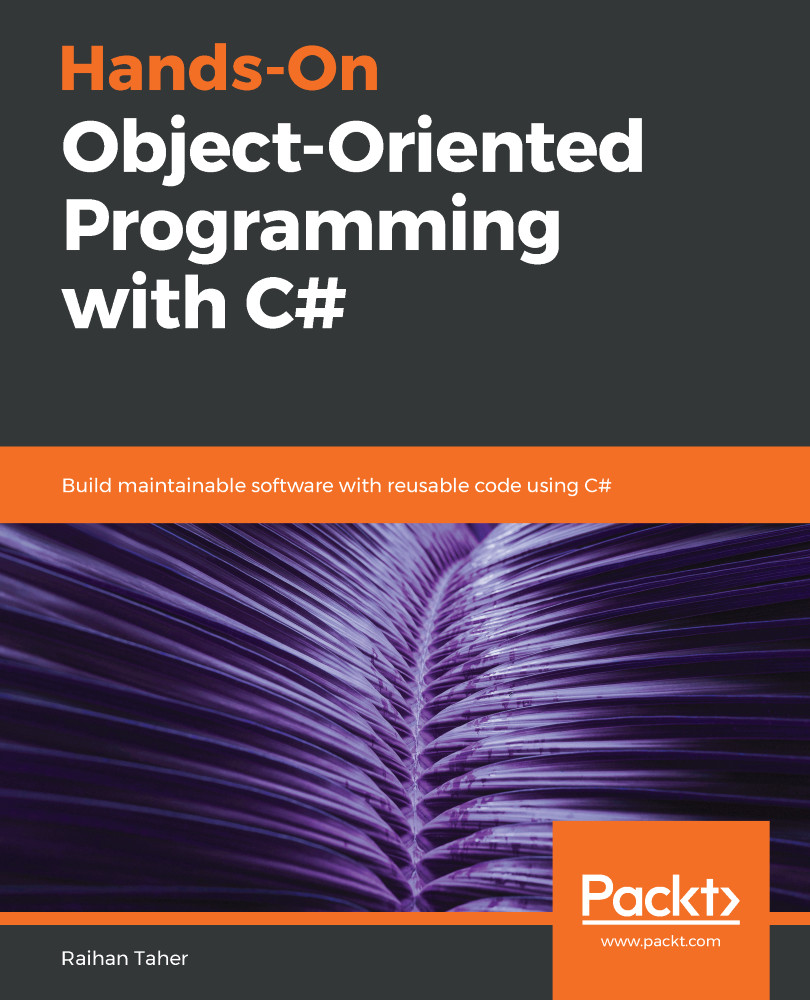
Hands-On Object-Oriented Programming with C#

Hands-On Object-Oriented Programming with C#

By : Abhishek Sur, Taher
3.5 (4)
close
close
Hands-On Object-Oriented Programming with C#

Hands-On Object-Oriented Programming with C#

3.5 (4)
By: Abhishek Sur, Taher

Overview of this book

Object-oriented programming (OOP) is a programming paradigm organized around objects rather than actions, and data rather than logic. With the latest release of C#, you can look forward to new additions that improve object-oriented programming. This book will get you up to speed with OOP in C# in an engaging and interactive way. The book starts off by introducing you to C# language essentials and explaining OOP concepts through simple programs. You will then go on to learn how to use classes, interfacesm and properties to write pure OOP code in your applications. You will broaden your understanding of OOP further as you delve into some of the advanced features of the language, such as using events, delegates, and generics. Next, you will learn the secrets of writing good code by following design patterns and design principles. You'll also understand problem statements with their solutions and learn how to work with databases with the help of ADO.NET. Further on, you'll discover a chapter dedicated to the Git version control system. As you approach the conclusion, you'll be able to work through OOP-specific interview questions and understand how to tackle them. By the end of this book, you will have a good understanding of OOP with C# and be able to take your skills to the next level.
Table of Contents (16 chapters)
close
close

Why we need exception handling in programming

Imagine that you have written some code. The code should do what you have instructed it to, right? But for some reason, the software is unable to execute the commands you have given. Maybe the software is facing some issues that make it impossible to run.

For example, let's say that you have instructed the software to read a file, collect data, and store it in a database. However, the software is unable to find the file at the location where the file is supposed to be. There could be many reasons why the file isn't found there: the file may have been deleted by someone or may have been moved to another location. Now, what will your software do? It's not smart enough to handle this situation automatically. If the software is not clear about its work, it will throw an exception. It is our duty as a software developer to...

Visually different images
CONTINUE READING
83
Tech Concepts
36
Programming languages
73
Tech Tools
Icon Unlimited access to the largest independent learning library in tech of over 8,000 expert-authored tech books and videos.
Icon Innovative learning tools, including AI book assistants, code context explainers, and text-to-speech.
Icon 50+ new titles added per month and exclusive early access to books as they are being written.
Hands-On Object-Oriented Programming with C#
notes
bookmark Notes and Bookmarks search Search in title playlist Add to playlist download Download options font-size Font size

Change the font size

margin-width Margin width

Change margin width

day-mode Day/Sepia/Night Modes

Change background colour

Close icon Search
Country selected

Close icon Your notes and bookmarks

Confirmation

Modal Close icon
claim successful

Buy this book with your credits?

Modal Close icon
Are you sure you want to buy this book with one of your credits?
Close
YES, BUY

Submit Your Feedback

Modal Close icon
Modal Close icon
Modal Close icon