


-
Book Overview & Buying
-
Table Of Contents

Sculpting the Blender Way
By :


Sculpting the Blender Way
By:
Overview of this book
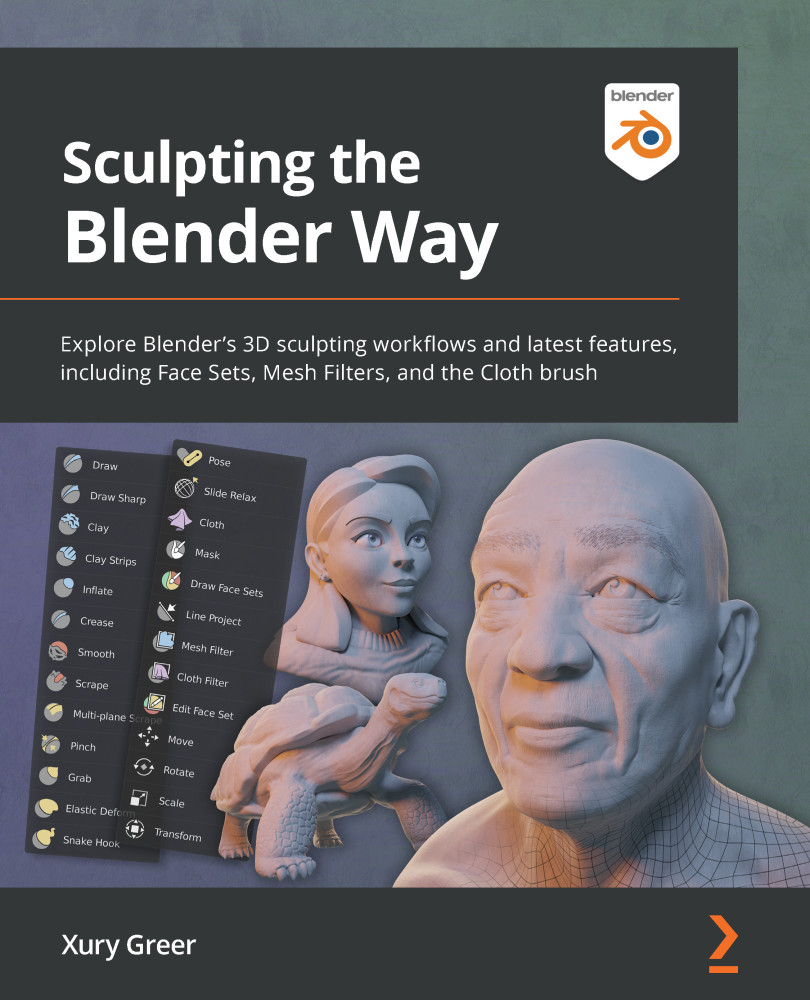
Sculpting the Blender Way is a detailed step-by-step guide for creating digital art with the latest Blender 3D sculpting features. With over 400 reference images, 18 Sculpting in Action videos, and dozens of 3D sculpture example files, this book is an invaluable resource for traditional and digital sculptors looking to try their hand at sculpting in Blender.
The first part of the book will teach you how to navigate Blender's user interface and familiarize yourself with the core workflows, as well as gain an understanding of how the sculpting features work, including basic sculpting, Dyntopo, the Voxel Remesher, QuadriFlow, and Multiresolution.
You’ll also learn about a wide range of brushes and all of the latest additions to the sculpting feature set, such as Face Sets, Mesh Filters, and the Cloth brush. The next chapters will show you how to customize these brushes and features to create fantastic 3D sculptures that you can share with the ever-growing Blender community.
By the end of this book, you'll have gained a complete understanding of the core sculpting workflows and be able to use Blender to bring your digital characters to life.
Table of Contents (12 chapters)
Preface


Chapter 1: Exploring Blender's User Interface for Sculpting
 Free Chapter
Chapter 2: Overview of Blender's Sculpting Workflows
Chapter 3: Sculpting a Simple Character Head with Basic Brushes
Chapter 4: How to Make a Base Mesh for a 3D Sculpture

Chapter 5: Learning the Power of Subdivision and the Multiresolution Workflow
Chapter 6: Using Advanced Features and Customizing the Sculpting Brushes
Chapter 7: Making Eyeballs
Chapter 8: Making Accessories and Clothing
Chapter 9: Creating Teeth, Eyebrows, and Hair
Chapter 10: Rendering Sculptures for Your Portfolio
Other Books You May Enjoy


