Sign In Start Free Trial
Account

Add to playlist

Create a Playlist

Modal Close icon
You need to login to use this feature.
  • Book Overview & Buying C++ System Programming Cookbook
  • Table Of Contents Toc
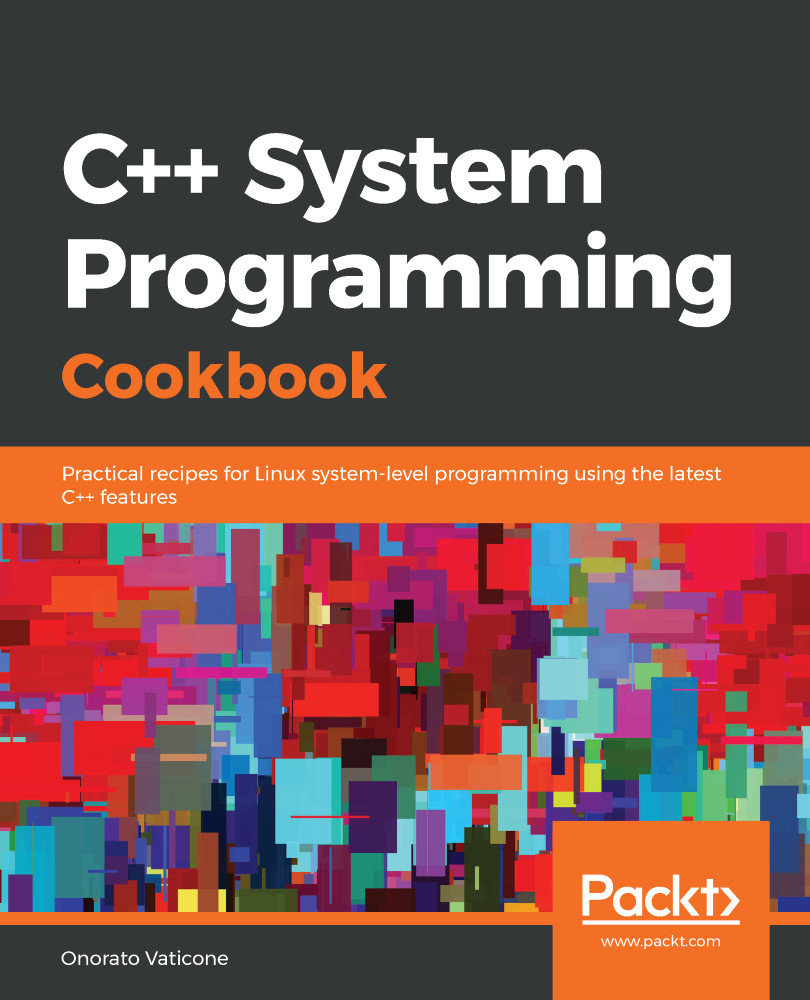
C++ System Programming Cookbook

C++ System Programming Cookbook

By : Onorato Vaticone
3.8 (4)
close
close
C++ System Programming Cookbook

C++ System Programming Cookbook

3.8 (4)
By: Onorato Vaticone

Overview of this book

C++ is the preferred language for system programming due to its efficient low-level computation, data abstraction, and object-oriented features. System programming is about designing and writing computer programs that interact closely with the underlying operating system and allow computer hardware to interface with the programmer and the user. The C++ System Programming Cookbook will serve as a reference for developers who want to have ready-to-use solutions for the essential aspects of system programming using the latest C++ standards wherever possible. This C++ book starts out by giving you an overview of system programming and refreshing your C++ knowledge. Moving ahead, you will learn how to deal with threads and processes, before going on to discover recipes for how to manage memory. The concluding chapters will then help you understand how processes communicate and how to interact with the console (console I/O). Finally, you will learn how to deal with time interfaces, signals, and CPU scheduling. By the end of the book, you will become adept at developing robust systems applications using C++.
Table of Contents (13 chapters)
close
close

Learning how modules work

Before C++20, there was only one way of structuring a program in parts: through the #include directive (which is resolved by the precompiler). The latest standard added another and more modern way of achieving the same result, called module. This recipe will show you how to write code using modules and the differences between #include and module.

How to do it...

In this section, we'll write a program composed of two modules. This program is an improvement of the one we developed in the Learning how Range works recipe. We'll encapsulate the temperature code in a module and use it in a client module. Let's get started:

  1. Let's create a new .cpp source file called temperature.cpp and type in the following code:
export module temperature_engine;
import std.core
#include <ranges>

export
std::vector
<int> toFahrenheitFromCelsius(std::vector<int>& celsius)
{
std::vector<int> fahrenheit;
auto toFahrenheit = [](int i) { return (i*(9/5)) + 32; };
for (int t : celsius | std::views::transform(toFahrenheit))
fahrenheit.push_back(t);

return fahrenheit;
}
  1. Now, we have to use it. Create a new file (for example, temperature_client.cpp) and include the following code:
import temperature_engine;
import std.core; // instead of iostream, containers
// (vector, etc) and
algorithm
int main()
{
auto celsius = {28, 25, -8, -3, 15, 21, -1};
auto fahrenheit = toFahrenheitFromCelsius(celsius);
std::for_each(begin(fahrenheit), end(fahrenheit),
[&fahrenheit](int i)
{
std::cout << i << ";";
});
}

The next section explains how modules work, what relationship they have with the namespaces, and the advantages they have over the #include precompiler directive.

How it works...

A module is the C++20 solution to (possibly) the #include directive. Possibly is mandatory here as the millions of lines of legacy code cannot be converted overnight to use modules.

Step 1 has the main goal of defining our temperature_engine module. The first line, export module temperature_engine;, defines the module we want to export. Next, we have import std.core. This is one of the biggest differences brought into C++20: there is no need to use #include anymore. Specifically, import std.core is equivalent to #include <iostream>. We also #include the range. In this case, we did it the old way to show you that is possible to have code that mixes old and new solutions. This is important as it'll allow us how to manage the transition to module better. Every time we want to export something from our module, we just need to prefix it with the export keyword, as we did with the toFahrenheitFromCelsius method. The method's implementation is not affected, so its logic doesn't change.

Step 2 contains the code for the module client using temperature_engine. As we did in the previous step, we just need to use import temperature_engine and use the exported objects. We also used import std.core to replace #include <iostream>. Now, we can use the exported method as we normally would, calling toFahrenheitFromCelsius and passing the expected input parameters. The toFahrenheitFromCelsius method returns a vector of integers representing the converted temperatures in Fahrenheit, which means all we need to do is use the for_each template method to print the values by using import std.core where we normally would have used #include <algorithm>.

The main question at this point is: why should we use module instead of #include? Module does not just represent a syntactic difference it's deeper than that:

  • A module is compiled only once, while #includes are not. To make #include compile only once, we need to use the #ifdef #define, and #endif precompilers.
  • Module can be imported in any order without affecting the meaning. This is not the same for #include.
  • If a symbol is not exported from the module, the client code cannot use it and the compiler will notify with an error if the users do.
  • Modules, unlike includes, are not transitive. Importing module A into module B, when module C uses module B, doesn't mean it automatically gains access to module A.

This has a great effect on maintainability, the structure of the code, and compilation time.

There's more...

One recurrent question is, aren't modules in conflict (or overlapping) with namespaces? This is a good point, and the answer is no. Namespaces and modules solve two different problems. A namespace is yet another mechanism that expresses the intention to group some declarations together. Other mechanisms that put group declaration together are functions and classes. What if two classes clash? We can encapsulate one of them into a namespace. You can see an example of this in the Understanding concepts recipe, where we created our own version of sort called sp::sort. A module, on the other hand, is a logical set of functionalities. The two concepts are orthogonal, which means I can have my namespace spread out over more modules. A concrete example is the std::vector and std::list containers, which are in two different modules but on the same namespace: std.

Another thing worth highlighting is that modules allow us to set a portion of the module as private to make it inaccessible to other Translation Units (TUs). This is useful if you want to export a symbol as an incomplete type, like so:

export module temperature_engine;
import std.core
#include <ranges>

export struct ConversionFactors; //exported as incomplete type

export

void myMethod(ConversionFactors& factors)
{
// ...
}

module: private;
struct ConversionFactors
{
int toFahrenheit;
int toCelsius;
};

    See also

    Visually different images
    CONTINUE READING
    83
    Tech Concepts
    36
    Programming languages
    73
    Tech Tools
    Icon Unlimited access to the largest independent learning library in tech of over 8,000 expert-authored tech books and videos.
    Icon Innovative learning tools, including AI book assistants, code context explainers, and text-to-speech.
    Icon 50+ new titles added per month and exclusive early access to books as they are being written.
    C++ System Programming Cookbook
    notes
    bookmark Notes and Bookmarks search Search in title playlist Add to playlist download Download options font-size Font size

    Change the font size

    margin-width Margin width

    Change margin width

    day-mode Day/Sepia/Night Modes

    Change background colour

    Close icon Search
    Country selected

    Close icon Your notes and bookmarks

    Confirmation

    Modal Close icon
    claim successful

    Buy this book with your credits?

    Modal Close icon
    Are you sure you want to buy this book with one of your credits?
    Close
    YES, BUY

    Submit Your Feedback

    Modal Close icon
    Modal Close icon
    Modal Close icon