
Sign In Start Free Trial
Account

Add to playlist

Create a Playlist

Modal Close icon
You need to login to use this feature.
  • Book Overview & Buying C++ System Programming Cookbook
  • Table Of Contents Toc
C++ System Programming Cookbook

C++ System Programming Cookbook

By : Onorato Vaticone
3.8 (4)
close
close
C++ System Programming Cookbook

C++ System Programming Cookbook

3.8 (4)
By: Onorato Vaticone

Overview of this book

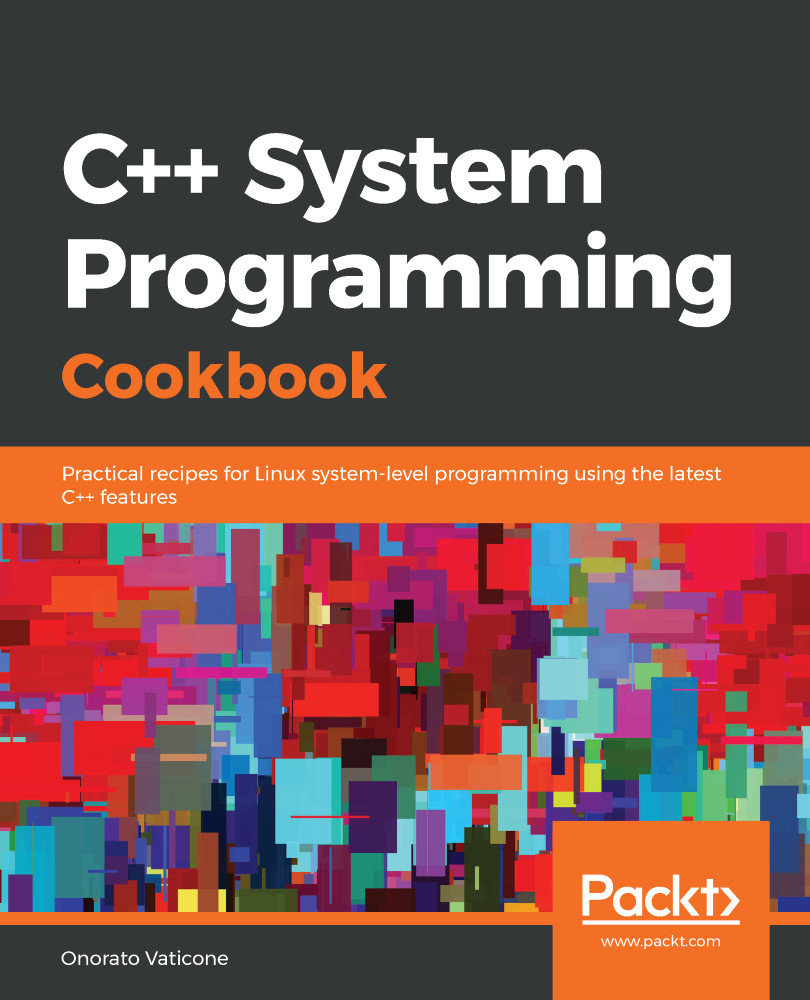
C++ is the preferred language for system programming due to its efficient low-level computation, data abstraction, and object-oriented features. System programming is about designing and writing computer programs that interact closely with the underlying operating system and allow computer hardware to interface with the programmer and the user. The C++ System Programming Cookbook will serve as a reference for developers who want to have ready-to-use solutions for the essential aspects of system programming using the latest C++ standards wherever possible. This C++ book starts out by giving you an overview of system programming and refreshing your C++ knowledge. Moving ahead, you will learn how to deal with threads and processes, before going on to discover recipes for how to manage memory. The concluding chapters will then help you understand how processes communicate and how to interact with the console (console I/O). Finally, you will learn how to deal with time interfaces, signals, and CPU scheduling. By the end of the book, you will become adept at developing robust systems applications using C++.
Table of Contents (13 chapters)
close
close

Technical requirements

To let you try out the programs in this chapter immediately, we've set up a Docker image that has all the tools and libraries we'll need throughout this book. It's based on Ubuntu 19.04.

In order to set it up, follow these steps:

  1. Download and install the Docker Engine from www.docker.com.
  2. Pull the image from Docker Hub: docker pull kasperondocker/system_programming_cookbook:latest.
  3. The image should now be available. Type in the following command to view the image: docker images.
  4. Now, you should have the following image: kasperondocker/system_programming_cookbook.
  5. Run the Docker image with an interactive shell with the help of the following command: docker run -it --cap-add sys_ptrace kasperondocker/system_programming_cookbook:latest /bin/bash.
  6. The shell on the running container is now available. Use root@39a5a8934370/# cd /BOOK/ to get all the programs that have been developed for the chapters in this book.

The --cap-add sys_ptrace argument is needed to allow GDB to set breakpoints in the Docker container which, by default, Docker does not allow.

Disclaimer: The C++20 standard has been approved (that is, technically finalized) by WG21 in a meeting in Prague at the end of February. This means that the GCC compiler version that this book uses, 8.3.0, does not include (or has very, very limited support for) the new and cool C++20 features. For this reason, the Docker image does not include the C++20 recipe code. GCC keeps the development of the newest features in branches (you have to use appropriate flags for that, for example, -std=c++2a); therefore, you are encouraged to experiment with them by yourself. So, clone and explore the GCC contracts and module branches and have fun.
CONTINUE READING
83
Tech Concepts
36
Programming languages
73
Tech Tools
Icon Unlimited access to the largest independent learning library in tech of over 8,000 expert-authored tech books and videos.
Icon Innovative learning tools, including AI book assistants, code context explainers, and text-to-speech.
Icon 50+ new titles added per month and exclusive early access to books as they are being written.
C++ System Programming Cookbook
notes
bookmark Notes and Bookmarks search Search in title playlist Add to playlist download Download options font-size Font size

Change the font size

margin-width Margin width

Change margin width

day-mode Day/Sepia/Night Modes

Change background colour

Close icon Search
Country selected

Close icon Your notes and bookmarks

Confirmation

Modal Close icon
claim successful

Buy this book with your credits?

Modal Close icon
Are you sure you want to buy this book with one of your credits?
Close
YES, BUY

Submit Your Feedback

Modal Close icon
Modal Close icon
Modal Close icon