Sign In Start Free Trial
Account

Add to playlist

Create a Playlist

Modal Close icon
You need to login to use this feature.
  • Book Overview & Buying Demystifying Cryptography with OpenSSL 3.0
  • Table Of Contents Toc
Demystifying Cryptography with OpenSSL 3.0

Demystifying Cryptography with OpenSSL 3.0

By : Alexei Khlebnikov
4.8 (4)
close
close
Demystifying Cryptography with OpenSSL 3.0

Demystifying Cryptography with OpenSSL 3.0

4.8 (4)
By: Alexei Khlebnikov

Overview of this book

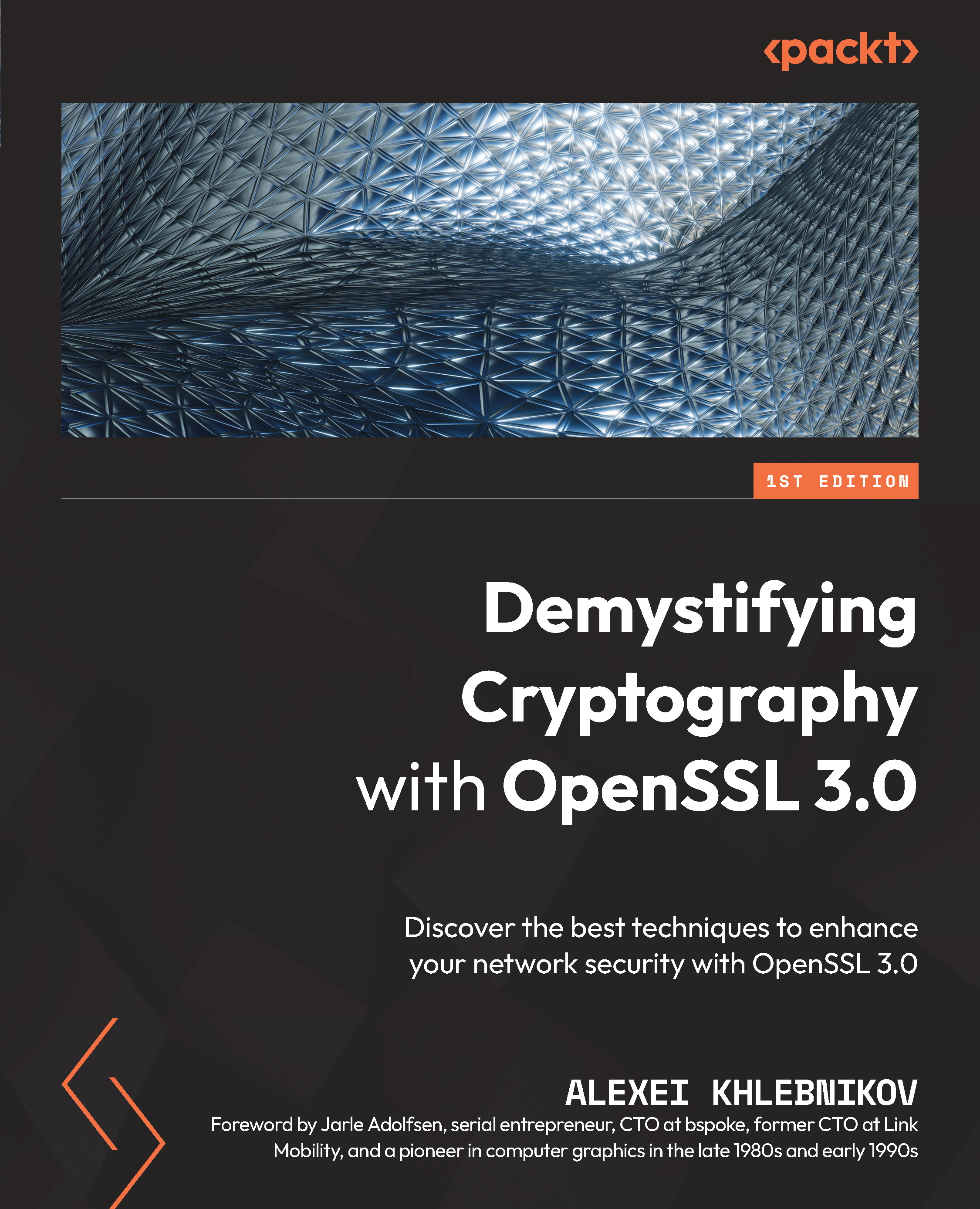
Security and networking are essential features of software today. The modern internet is full of worms, Trojan horses, men-in-the-middle, and other threats. This is why maintaining security is more important than ever. OpenSSL is one of the most widely used and essential open source projects on the internet for this purpose. If you are a software developer, system administrator, network security engineer, or DevOps specialist, you’ve probably stumbled upon this toolset in the past – but how do you make the most out of it? With the help of this book, you will learn the most important features of OpenSSL, and gain insight into its full potential. This book contains step-by-step explanations of essential cryptography and network security concepts, as well as practical examples illustrating the usage of those concepts. You’ll start by learning the basics, such as how to perform symmetric encryption and calculate message digests. Next, you will discover more about cryptography: MAC and HMAC, public and private keys, and digital signatures. As you progress, you will explore best practices for using X.509 certificates, public key infrastructure, and TLS connections. By the end of this book, you’ll be able to use the most popular features of OpenSSL, allowing you to implement cryptography and TLS in your applications and network infrastructure.
Table of Contents (20 chapters)
close
close
1
Part 1: Introduction
3
Part 2: Symmetric Cryptography
8
Part 3: Asymmetric Cryptography and Certificates
12
Part 4: TLS Connections and Secure Communication
16
Part 5: Running a Mini-CA

Comparing OpenSSL with LibreSSL

LibreSSL is a fork (derived code) of OpenSSL that was created in 2014 by the OpenBSD Project as a response to the infamous Heartbleed vulnerability that was found in OpenSSL. LibreSSL was founded to increase the security and maintainability of the library by removing old, unpopular, and no longer secure cryptographic algorithms and other features.

OpenBSD is a Unix operating system, one of the BSD systems family aimed at security. OpenBSD developers do not only develop the operating system kernel and utilities. Another famous software project is OpenSSH. Other software projects started as applications for OpenBSD, such as OpenNTPD, OpenSMTPD, and others. This now includes LibreSSL.

After forking, the LibreSSL developers removed a lot of the original OpenSSL code that they considered old or insecure. They claimed that they removed approximately half of the OpenSSL code within the first week. They also added a few new cryptographic algorithms such as Advanced Encryption Standard in Galois/Counter Mode (AES-GCM) and ChaCha-Poly1305. In addition to adding and removing code, some existing code was reworked and hardened in some places.

Despite LibreSSL’s aim to increase security, there were some vulnerabilities in LibreSSL that did not affect OpenSSL, such as CVE-2017-8301.

In the last few years, OpenSSL also did some work on improving the security and maintainability of the library and deprecated/removed some code – though not as much code was removed as in LibreSSL. However, more code and new features were added.

OpenSSL has much more development resources than LibreSSL, which means it advances much faster. For example, from the end of 2018 until the beginning of 2021, LibreSSL has merged approximately 1,500 patches from 36 developers. During the same time, OpenSSL has merged more than 5,000 patches from 276 developers. Apart from the core OpenSSL development team, OpenSSL receives code contributions from big companies such as Oracle, Red Hat, IBM, and others.

While the focus of LibreSSL is providing a TLS library for the OpenBSD project, it also aims to support other platforms and remain API-compatible with OpenSSL. At the time of writing, the LibreSSL API is compatible with OpenSSL 1.0.1, but does not include all the newest APIs from OpenSSL 1.0.2 and later.

Since its fork from OpenSSL, LibreSSL became the default TLS library on OpenBSD, but on most other operating systems, the adoption has been low. Most Linux distributions continued using OpenSSL, and some decided to try LibreSSL as a system-wide option but decided to drop such support later. Most commercial application vendors that used OpenSSL also decided to stick with it.

In the competition between OpenSSL and LibreSSL, OpenSSL is winning. I recommend that you choose OpenSSL unless you are developing software specifically for the OpenBSD community, in which case you should consider LibreSSL.

Another fork of OpenSSL has been created by the mighty Google corporation, as we’ll explore in the next section.

Visually different images
CONTINUE READING
83
Tech Concepts
36
Programming languages
73
Tech Tools
Icon Unlimited access to the largest independent learning library in tech of over 8,000 expert-authored tech books and videos.
Icon Innovative learning tools, including AI book assistants, code context explainers, and text-to-speech.
Icon 50+ new titles added per month and exclusive early access to books as they are being written.
Demystifying Cryptography with OpenSSL 3.0
notes
bookmark Notes and Bookmarks search Search in title playlist Add to playlist download Download options font-size Font size

Change the font size

margin-width Margin width

Change margin width

day-mode Day/Sepia/Night Modes

Change background colour

Close icon Search
Country selected

Close icon Your notes and bookmarks

Confirmation

Modal Close icon
claim successful

Buy this book with your credits?

Modal Close icon
Are you sure you want to buy this book with one of your credits?
Close
YES, BUY

Submit Your Feedback

Modal Close icon
Modal Close icon
Modal Close icon