
Sign In Start Free Trial
Account

Add to playlist

Create a Playlist

Modal Close icon
You need to login to use this feature.
  • Book Overview & Buying Learn Microsoft PowerApps
  • Table Of Contents Toc
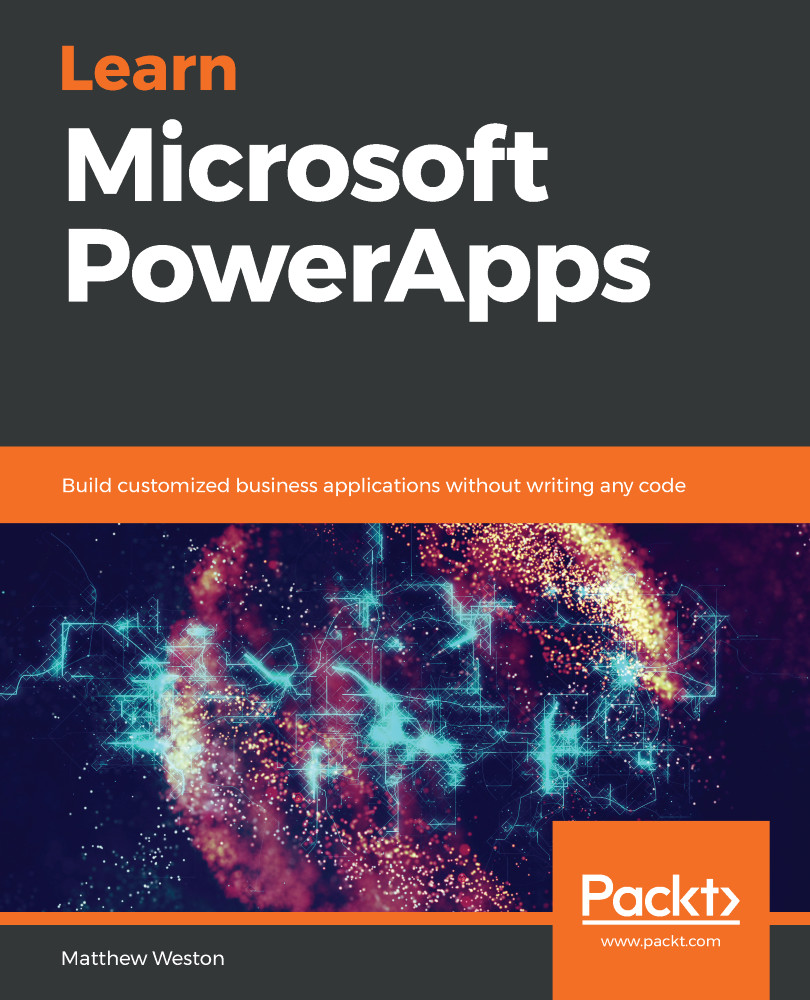
Learn Microsoft PowerApps

Learn Microsoft PowerApps

By : Matthew Weston
2.6 (12)
close
close
Learn Microsoft PowerApps

Learn Microsoft PowerApps

2.6 (12)
By: Matthew Weston

Overview of this book

Microsoft PowerApps provides a modern approach to building business applications for mobile, tablet, and browser. Learn Microsoft PowerApps will guide you in creating powerful and productive apps that will add value to your organization by helping you transform old and inefficient processes and workflows. Starting with an introduction to PowerApps, this book will help you set up and configure your first application. You’ll explore a variety of built-in templates and understand the key difference between types of applications such as canvas and model-driven apps, which are used to create apps for specific business scenarios. In addition to this, you’ll learn how to generate and integrate apps directly with SharePoint, and gain an understanding of PowerApps key components such as connectors and formulas. As you advance, you’ll be able to use various controls and data sources, including technologies such as GPS, and combine them to create an iterative app. Finally, the book will help you understand how PowerApps can use several Microsoft Power Automate and Azure functionalities to improve your applications. By the end of this PowerApps book, you’ll be ready to confidently develop lightweight business applications with minimal code.
Table of Contents (25 chapters)
close
close
Lock Free Chapter
1
Section 1: Getting Started with PowerApps
6
Section 2: Developing Your PowerApp
11
Section 3: Extending the Capabilities of Your PowerApp
18
Section 4: Working with Model-Driven Apps
21
Section 5: Governing PowerApps

Utilizing Azure resources

Azure allows you to create resources that you can call to provide additional processing resources, store data, or manage areas of your tenancy, such as AAD. Much like Microsoft Power Automate, Azure can provide additional processing power to your PowerApps through a number of Platform as a Service (PAAS), Software as a Service (SAAS), or Infrastructure as a Service (IAAS) offerings. There are a large number of connectors available to Azure, some standard and others premium, which allow you to extend the functionality you have available to you within PowerApps.

There's also a growing number of connectors in preview, such as connectors that have pre-general availability and therefore can be used for testing, which means that Microsoft is increasing the number of Azure resources that you have directly available within your PowerApp. The most common resources that are employed alongside PowerApps are as follows:

  • AAD
  • Azure Automation
  • Azure Functions

We will...

CONTINUE READING
83
Tech Concepts
36
Programming languages
73
Tech Tools
Icon Unlimited access to the largest independent learning library in tech of over 8,000 expert-authored tech books and videos.
Icon Innovative learning tools, including AI book assistants, code context explainers, and text-to-speech.
Icon 50+ new titles added per month and exclusive early access to books as they are being written.
Learn Microsoft PowerApps
notes
bookmark Notes and Bookmarks search Search in title playlist Add to playlist download Download options font-size Font size

Change the font size

margin-width Margin width

Change margin width

day-mode Day/Sepia/Night Modes

Change background colour

Close icon Search
Country selected

Close icon Your notes and bookmarks

Confirmation

Modal Close icon
claim successful

Buy this book with your credits?

Modal Close icon
Are you sure you want to buy this book with one of your credits?
Close
YES, BUY

Submit Your Feedback

Modal Close icon
Modal Close icon
Modal Close icon