


-
Book Overview & Buying
-
Table Of Contents

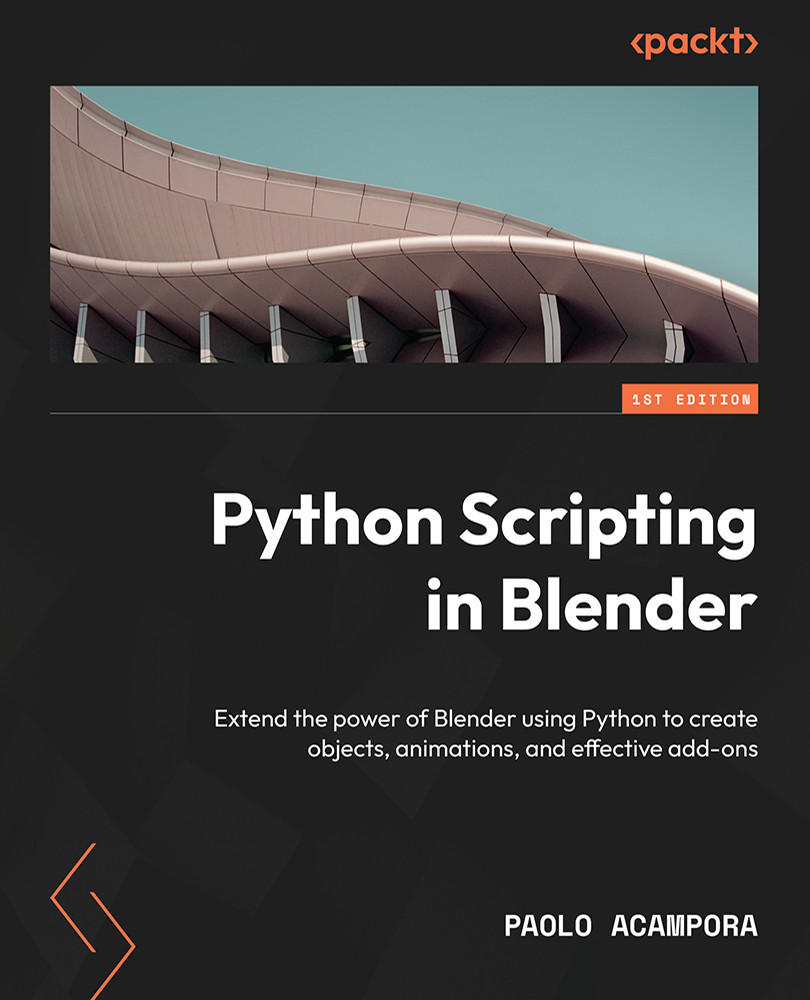
Python Scripting in Blender
By :


Python Scripting in Blender
By:
Overview of this book
Blender, a powerful open source 3D software, can be extended and powered up using the Python programming language. This book teaches you how to automate laborious operations using scripts, and expand the set of available commands, graphic interfaces, tools, and event responses, which will enable you to add custom features to meet your needs and bring your creative ideas to life.
The book begins by covering essential Python concepts and showing you how to create a basic add-on. You’ll then gain a solid understanding of the entities that affect the look of Blender’s objects such as modifiers, constraints, and materials. As you advance, you’ll get to grips with the animation system in Blender and learn how to set up its behavior using Python. The examples, tools, patterns, and best practices present throughout the book will familiarize you with the Python API and build your knowledge base, along with enabling you to produce valuable code that empowers the users and is ready for publishing or production.
By the end of this book, you’ll be able to successfully design add-ons that integrate seamlessly with the software and its ecosystem.
Table of Contents (19 chapters)
Preface


Part 1: Introduction to Python
 Free Chapter
Chapter 1: Python’s Integration with Blender
Chapter 2: Python Entities and API
Chapter 3: Creating Your Add-Ons
Chapter 4: Exploring Object Transformations
Chapter 5: Designing Graphical Interfaces
Part 2: Interactive Tools and Animation
Chapter 6: Structuring Our Code and Add-Ons
Chapter 7: The Animation System
Chapter 8: Animation Modifiers
Chapter 9: Animation Drivers
Chapter 10: Advanced and Modal Operators
Part 3: Delivering Output
Chapter 11: Object Modifiers

Chapter 12: Rendering and Shaders
Index
Other Books You May Enjoy


