


-
Book Overview & Buying
-
Table Of Contents

Practical System Programming for Rust Developers
By :


Practical System Programming for Rust Developers
By:
Overview of this book
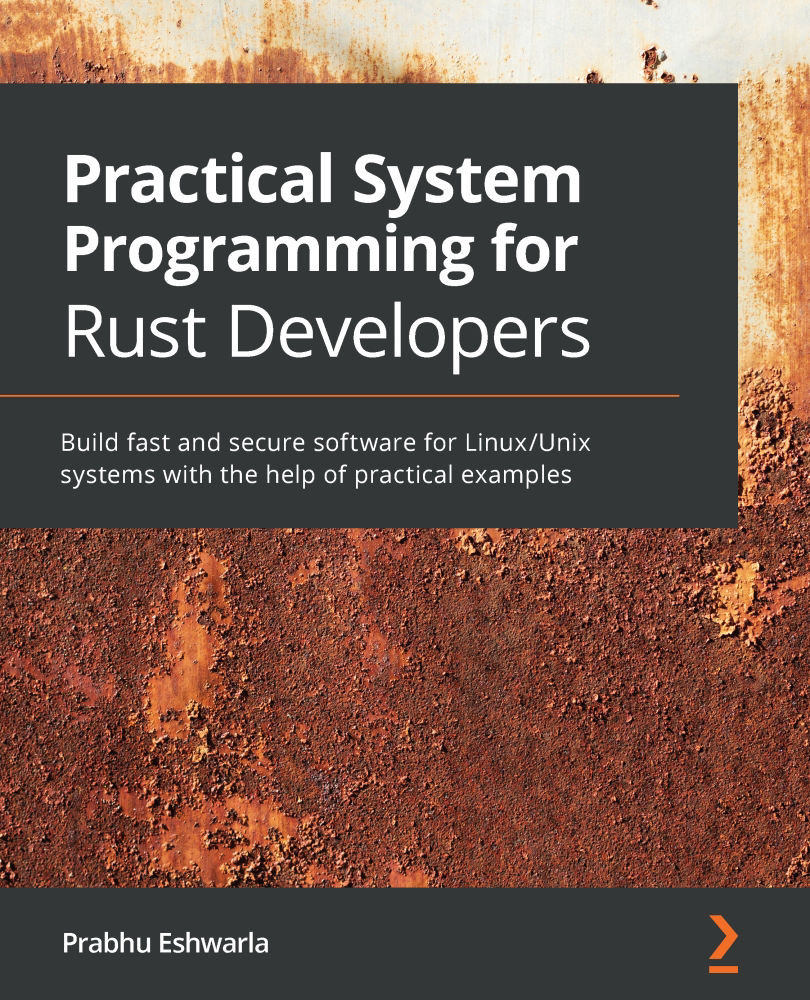
Modern programming languages such as Python, JavaScript, and Java have become increasingly accepted for application-level programming, but for systems programming, C and C++ are predominantly used due to the need for low-level control of system resources. Rust promises the best of both worlds: the type safety of Java, and the speed and expressiveness of C++, while also including memory safety without a garbage collector. This book is a comprehensive introduction if you’re new to Rust and systems programming and are looking to build reliable and efficient systems software without C or C++.
The book takes a unique approach by starting each topic with Linux kernel concepts and APIs relevant to that topic. You’ll also explore how system resources can be controlled from Rust. As you progress, you’ll delve into advanced topics. You’ll cover network programming, focusing on aspects such as working with low-level network primitives and protocols in Rust, before going on to learn how to use and compile Rust with WebAssembly. Later chapters will take you through practical code examples and projects to help you build on your knowledge.
By the end of this Rust programming book, you will be equipped with practical skills to write systems software tools, libraries, and utilities in Rust.
Table of Contents (17 chapters)
Preface


Section 1: Getting Started with System Programming in Rust
 Free Chapter
Chapter 1: Tools of the Trade – Rust Toolchains and Project Structures
Chapter 2: A Tour of the Rust Programming Language
Chapter 3: Introduction to the Rust Standard Library
Chapter 4: Managing Environment, Command Line, and Time
Section 2: Managing and Controlling System Resources in Rust
Chapter 5: Memory Management in Rust
Chapter 6: Working with Files and Directories in Rust
Chapter 7: Implementing Terminal I/O in Rust

Chapter 8: Working with Processes and Signals
Chapter 9: Managing Concurrency
Section 3: Advanced Topics
Chapter 10: Working with Device I/O
Chapter 11: Learning Network Programming
Chapter 12: Writing Unsafe Rust and FFI
Other Books You May Enjoy


