
Sign In Start Free Trial
Account

Add to playlist

Create a Playlist

Modal Close icon
You need to login to use this feature.
  • Book Overview & Buying CompTIA Linux+ Certification Guide
  • Table Of Contents Toc
CompTIA Linux+ Certification Guide

CompTIA Linux+ Certification Guide

By : Inshanally
2.7 (10)
close
close
CompTIA Linux+ Certification Guide

CompTIA Linux+ Certification Guide

2.7 (10)
By: Inshanally

Overview of this book

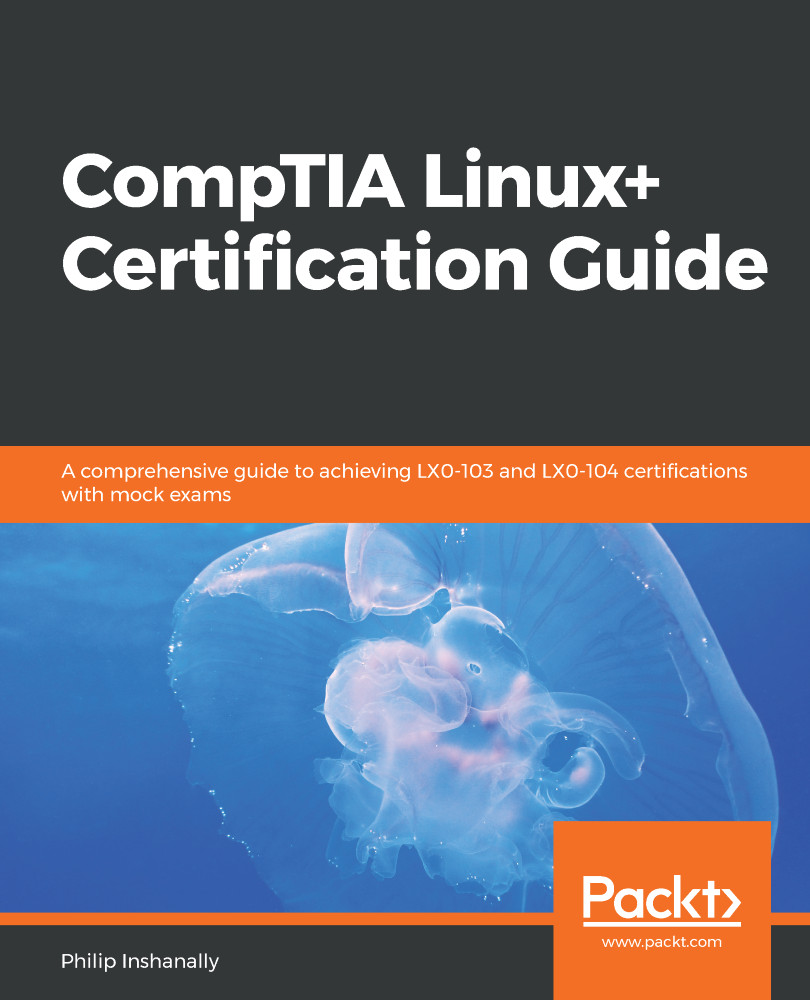
The Linux+ certification provides a broad awareness of Linux operating systems, while giving professionals an upper hand in the IT industry. With this certification, you’ll be equipped with the all-important knowledge of installation, operation, administration, and troubleshooting services. This CompTIA Linux+ Certification Guide will give you an overview of the system architecture. You’ll understand how to install and uninstall Linux distributions, followed by working with various package managers. You’ll then move on to manipulating files and processes at the command-line interface (CLI) and creating, monitoring, killing, restarting, and modifying processes. As you progress, you’ll be equipped to work with display managers and learn how you can create, modify, and remove user accounts and groups, as well as understand how to automate tasks. The last set of chapters will help you configure dates and set up local and remote system logging. In addition to this, you’ll explore different internet protocols, and delve into network configuration, security administration, Shell scripting, and SQL management. By the end of this book, you’ll not only have got to grips with all the modules you need to study for the LX0-103 and LX0-104 certification exams, but you’ll also be able to test your understanding with practice questions and mock exams.
Table of Contents (23 chapters)
close
close
19
Mock Exam - 1
20
Mock Exam - 2

Configuring the Hardware Settings

This chapter covers viewing interrupts. It focuses on /proc/interrupts, CPU info viewing (/proc/cpuinfo), and viewing the physical memory installed. It also looks at /proc/meminfo, the free command, viewing swap memory, and adding and removing additional swap memory using the dd, mkswap, swapon, and swapoff commands. The raid status (viewing/proc/mdstat) is outlined, as is the /dev devices directory, the /proc virtual directory, the lsmod command and its usage, the modprobe command and its usage, and the lspci command and its usage. The /proc directory is a virtual filesystem that is created upon boot up, which stores various items of hardware information about a system.

Navigating through the various directories and using these commands is very informative, and allows you to retrieve hardware information in a Linux environment.

We will cover the following topics in this chapter:

  • Viewing CPU, RAM, and swap info
  • Interrupts and devices
  • Modules
CONTINUE READING
83
Tech Concepts
36
Programming languages
73
Tech Tools
Icon Unlimited access to the largest independent learning library in tech of over 8,000 expert-authored tech books and videos.
Icon Innovative learning tools, including AI book assistants, code context explainers, and text-to-speech.
Icon 50+ new titles added per month and exclusive early access to books as they are being written.
CompTIA Linux+ Certification Guide
notes
bookmark Notes and Bookmarks search Search in title playlist Add to playlist font-size Font size

Change the font size

margin-width Margin width

Change margin width

day-mode Day/Sepia/Night Modes

Change background colour

Close icon Search
Country selected

Close icon Your notes and bookmarks

Confirmation

Modal Close icon
claim successful

Buy this book with your credits?

Modal Close icon
Are you sure you want to buy this book with one of your credits?
Close
YES, BUY

Submit Your Feedback

Modal Close icon
Modal Close icon
Modal Close icon