
Sign In Start Free Trial
Account

Add to playlist

Create a Playlist

Modal Close icon
You need to login to use this feature.
  • Book Overview & Buying Fundamentals of CRM with Dynamics 365 and Power Platform
  • Table Of Contents Toc
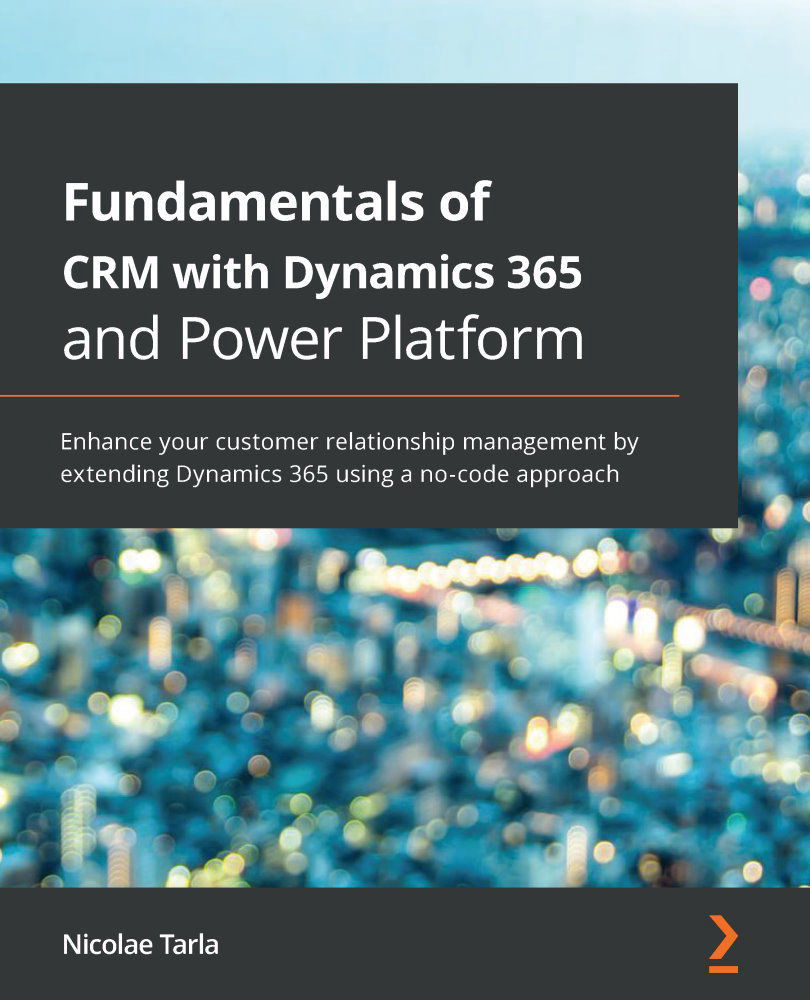
Fundamentals of CRM with Dynamics 365 and Power Platform

Fundamentals of CRM with Dynamics 365 and Power Platform

By : Nicolae Tarla
4.3 (3)
close
close
Fundamentals of CRM with Dynamics 365 and Power Platform

Fundamentals of CRM with Dynamics 365 and Power Platform

4.3 (3)
By: Nicolae Tarla

Overview of this book

Microsoft Dynamics 365 provides a vast array of tools and applications to meet various Customer Engagement requirements. This Customer Relationship Management (CRM) guide covers the latest advancements in Dynamics 365 and Power Platform that help organizations adapt to changing market conditions for agility and resilience. With this book, you'll explore the core platform functionality of Dynamics 365 and explore its wide range of components for transforming your business with new services and capabilities. You’ll learn the basics of configuration and customization to enhance the functionality of Microsoft Dynamics 365 CRM and create solutions and custom applications by leveraging features such as apps, portals, automation, and business intelligence. As you advance, you’ll understand how Power Platform drives Dynamics 365 and how various integration capabilities add value by providing a comprehensive view of data aggregated across different systems and data sources. Finally, you’ll delve into core administration concepts that will help you to manage extensions added to the platform. By the end of this book, you’ll have learned how to tailor Microsoft Dynamics 365 to fit your organization’s requirements and tweak the platform to meet your business needs.
Table of Contents (20 chapters)
close
close
1
Section 1 - Platform Structure and Extensibility Capabilities
4
Section 2 - Default Modules Available with the Platform
10
Section 3 - Customization, Configuration, and Extensibility
14
Section 4 - Integrations
17
Section 5 - Administration

Configuring server-based SharePoint integration

In the world of business, documents are at the core of most processes. From email attachments to network shares, documents are a central aspect of any business process.

Historically, sharing documents has had some challenges, especially with regards to collaboration.

Tools have now been created that allow multiple users to work on the same document. Document management was born from the need to work collaboratively on the same document.

SharePoint is such a tool, and it allows not only collaboration on the same document, but also versioning, metadata associated with a document, access control, and security through enterprise policies, retention, and other features. As such, this is a mature enterprise product with lots of features.

Within Dynamics 365, before SharePoint integration was available, documents were simply attached to a record's Notes field. While this works as a quick-and-dirty solution, it misses the mark on several aspects...

CONTINUE READING
83
Tech Concepts
36
Programming languages
73
Tech Tools
Icon Unlimited access to the largest independent learning library in tech of over 8,000 expert-authored tech books and videos.
Icon Innovative learning tools, including AI book assistants, code context explainers, and text-to-speech.
Icon 50+ new titles added per month and exclusive early access to books as they are being written.
Fundamentals of CRM with Dynamics 365 and Power Platform
notes
bookmark Notes and Bookmarks search Search in title playlist Add to playlist font-size Font size

Change the font size

margin-width Margin width

Change margin width

day-mode Day/Sepia/Night Modes

Change background colour

Close icon Search
Country selected

Close icon Your notes and bookmarks

Confirmation

Modal Close icon
claim successful

Buy this book with your credits?

Modal Close icon
Are you sure you want to buy this book with one of your credits?
Close
YES, BUY

Submit Your Feedback

Modal Close icon
Modal Close icon
Modal Close icon