


-
Book Overview & Buying
-
Table Of Contents

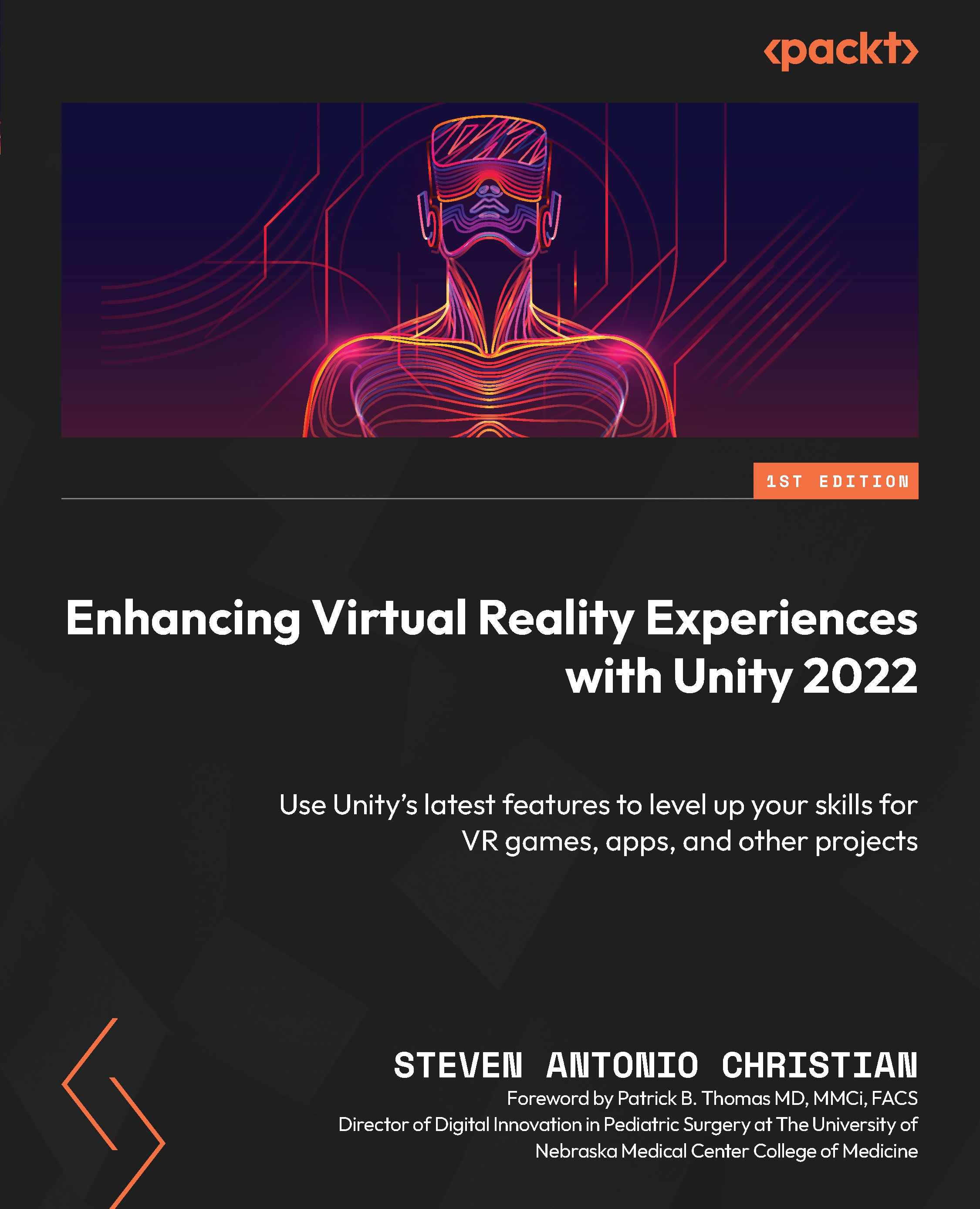
Enhancing Virtual Reality Experiences with Unity 2022
By :


Enhancing Virtual Reality Experiences with Unity 2022
By:
Overview of this book
Virtual reality (VR) has emerged as one of the most transformative mediums of the 21st century, finding applications in various industries, including gaming, entertainment, and education.
Enhancing Virtual Reality Experiences with Unity 2022 takes you into the fascinating realm of VR, where creativity meets cutting-edge technology to bring tangible real-world applications to life. This immersive exploration not only equips you with the essential skills needed to craft captivating VR environments using Unity's powerful game engine but also offers a deeper understanding of the philosophy behind creating truly immersive experiences.
Throughout the book, you’ll work with practical VR scene creation, interactive design, spatial audio, and C# programming and prepare to apply these skills to real-world projects spanning art galleries, interactive playgrounds, and beyond. To ensure your VR creations reach their full potential, the book also includes valuable tips on optimization, guaranteeing maximum immersion and impact for your VR adventures.
By the end of this book, you’ll have a solid understanding of VR’s versatility and how you can leverage the Unity game engine to create groundbreaking projects.
Table of Contents (25 chapters)
Preface


Part 1: Philosophy and Basics of Understanding Virtual Reality
 Free Chapter
Chapter 1: Philosophy of Building Immersive Experiences
Part 2: Technical Skills for Building VR Experiences in Unity (Assets, GameObjects, Scripts, and Components)
Chapter 2: Building VR Scenes in Unity
Chapter 3: Working with Inputs and Interactions
Chapter 4: Using Game Objects, Materials, and Prefabs
Chapter 5: Implementing Animation – Physics and Colliders
Chapter 6: Lighting Your Worlds and Experiences
Chapter 7: Creating Immersion with Sound

Chapter 8: Working with C#, Unity Events, and Input Actions
Chapter 9: Unlocking the Power of Render Pipelines
Part 3: Projects: Putting Skills Together
Chapter 10: Design Thinking for Virtual Reality Experiences
Chapter 11: Adding Audio to a Virtual Reality World
Chapter 12: Building an Art Gallery
Chapter 13: Animating a Virtual Reality Experience
Chapter 14: Recording Virtual Reality Videos
Chapter 15: Enhancing Virtual Reality Rigs
Chapter 16: Triggering Actions in Virtual Reality
Chapter 17: Destroying Objects in Virtual Reality
Part 4: Final Touches
Chapter 18: Optimizing Your Virtual Reality Experiences
Index


