
Sign In Start Free Trial
Account

Add to playlist

Create a Playlist

Modal Close icon
You need to login to use this feature.
  • Book Overview & Buying Applying Math with Python
  • Table Of Contents Toc
  • Feedback & Rating feedback
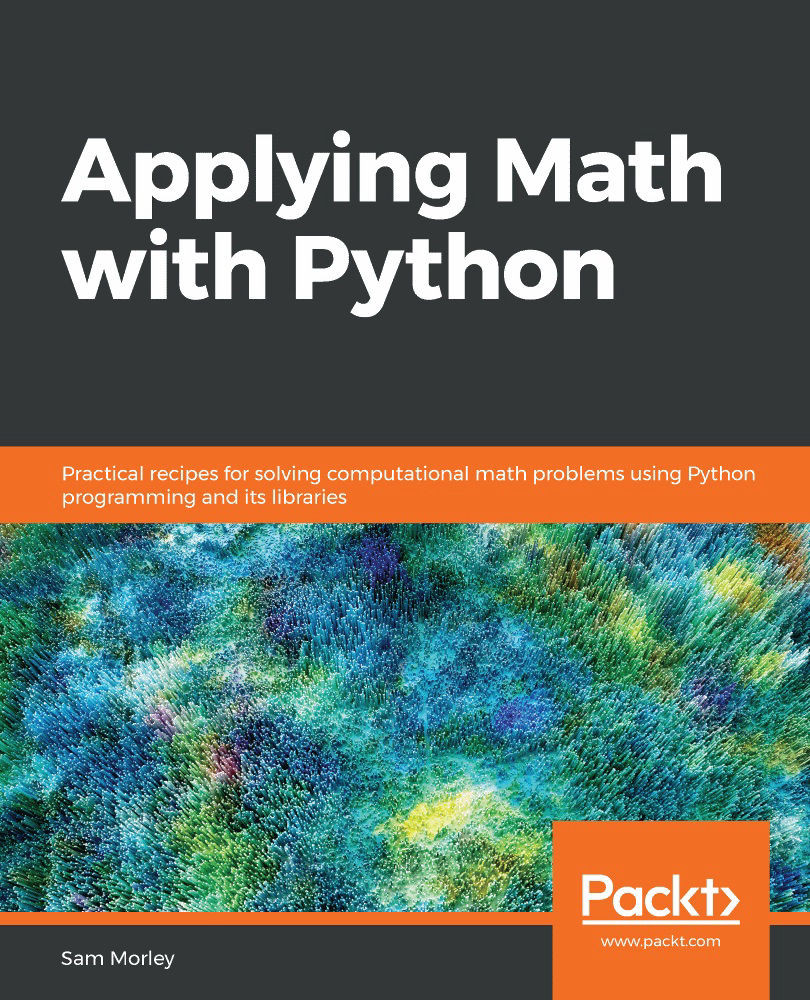
Applying Math with Python

Applying Math with Python

By : Sam Morley
4.3 (4)
close
close
Applying Math with Python

Applying Math with Python

4.3 (4)
By: Sam Morley

Overview of this book

Python, one of the world's most popular programming languages, has a number of powerful packages to help you tackle complex mathematical problems in a simple and efficient way. These core capabilities help programmers pave the way for building exciting applications in various domains, such as machine learning and data science, using knowledge in the computational mathematics domain. The book teaches you how to solve problems faced in a wide variety of mathematical fields, including calculus, probability, statistics and data science, graph theory, optimization, and geometry. You'll start by developing core skills and learning about packages covered in Python’s scientific stack, including NumPy, SciPy, and Matplotlib. As you advance, you'll get to grips with more advanced topics of calculus, probability, and networks (graph theory). After you gain a solid understanding of these topics, you'll discover Python's applications in data science and statistics, forecasting, geometry, and optimization. The final chapters will take you through a collection of miscellaneous problems, including working with specific data formats and accelerating code. By the end of this book, you'll have an arsenal of practical coding solutions that can be used and modified to solve a wide range of practical problems in computational mathematics and data science.
Table of Contents (12 chapters)
close
close

Mathematical Plotting with Matplotlib

Plotting is a fundamental tool in all of mathematics. A good plot can reveal hidden details, suggest future directions, verify results, or reinforce an argument. It is no surprise, then, that the scientific Python stack features a powerful and flexible plotting library called Matplotlib.

In this chapter, we will plot functions and data in a variety of styles and create figures that are fully labeled and annotated. We will create three-dimensional plots, customize the appearance of figures, create figures that contain multiple plots using subplots, and save figures directly to files for applications that are not running in an interactive environment.

Plotting is one of the most important aspects covered in this book. Plotting data, functions, or solutions can often help you gain an understanding of a problem that can really help to reason about your methods. We will see plotting again in every chapter of this book.

In this chapter, we will cover the following recipes:

  • Basic plotting with Matplotlib
  • Adding subplots
  • Plotting with error bars
  • Saving Matplotlib figures
  • Surface and contour plots
  • Customizing three-dimensional plots
  • Plotting vector fields with quiver plots
Visually different images
CONTINUE READING
83
Tech Concepts
36
Programming languages
73
Tech Tools
Icon Unlimited access to the largest independent learning library in tech of over 8,000 expert-authored tech books and videos.
Icon Innovative learning tools, including AI book assistants, code context explainers, and text-to-speech.
Icon 50+ new titles added per month and exclusive early access to books as they are being written.
Applying Math with Python
notes
bookmark Notes and Bookmarks search Search in title playlist Add to playlist download Download options font-size Font size

Change the font size

margin-width Margin width

Change margin width

day-mode Day/Sepia/Night Modes

Change background colour

Close icon Search
Country selected

Close icon Your notes and bookmarks

Confirmation

Modal Close icon
claim successful

Buy this book with your credits?

Modal Close icon
Are you sure you want to buy this book with one of your credits?
Close
YES, BUY

Submit Your Feedback

Modal Close icon
Modal Close icon
Modal Close icon