


-
Book Overview & Buying
-
Table Of Contents

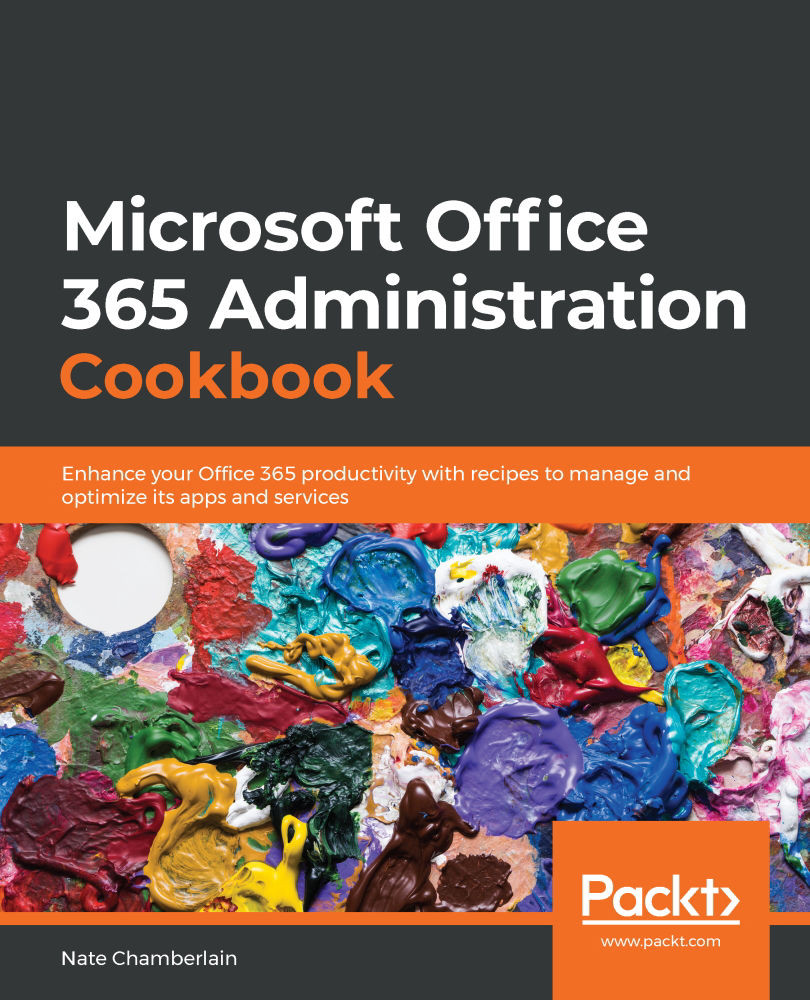
Microsoft Office 365 Administration Cookbook
By :


Microsoft Office 365 Administration Cookbook
By:
Overview of this book
Organizations across the world have switched to Office 365 to boost workplace productivity. However, to maximize investment in Office 365, you need to know how to efficiently administer Office 365 solutions.
Microsoft Office 365 Administration Cookbook is packed with recipes to guide you through common and not-so-common administrative tasks throughout Office 365. Whether you’re administering a single app such as SharePoint or organization-wide Security & Compliance across Office 365, this cookbook offers a variety of recipes that you’ll want to have to hand. The book begins by covering essential setup and administration tasks. You’ll learn how to manage permissions for users and user groups along with automating routine admin tasks using PowerShell. You’ll then progress through to managing core Office 365 services such as Exchange Online, OneDrive, SharePoint Online, and Azure Active Directory (AD). This book also features recipes that’ll help you to manage newer services such as Microsoft Search, Power Platform, and Microsoft Teams. In the final chapters, you’ll delve into monitoring, reporting, and securing your Office 365 services.
By the end of this book, you’ll have learned about managing individual Office 365 services along with monitoring, securing, and optimizing your entire Office 365 deployment efficiently.
Table of Contents (16 chapters)
Preface


Chapter 1: Office 365 Setup and Basic Administration
 Free Chapter
Chapter 2: Office 365 Identity and Roles
Chapter 3: Administering Office 365 with PowerShell
Chapter 4: Managing Exchange Online
Chapter 5: Setting Up and Configuring Microsoft Search
Chapter 6: Administering OneDrive
Chapter 7: Configuring the Power Platform
Chapter 8: Administering SharePoint Online

Chapter 9: Managing Microsoft Teams
Chapter 10: Configuring and Managing Users in Azure Active Directory (Azure AD)
Chapter 11: Understanding the Microsoft 365 Security & Compliance Center
Chapter 12: Deploying Data Loss Prevention and eDiscovery
Chapter 13: Monitoring Office 365 Apps and Services
Chapter 14: Appendix – Office 365 Subscriptions and Licenses
Other Books You May Enjoy


