
Sign In Start Free Trial
Account

Add to playlist

Create a Playlist

Modal Close icon
You need to login to use this feature.
  • Book Overview & Buying Unity Virtual Reality Projects
  • Table Of Contents Toc
Unity Virtual Reality Projects

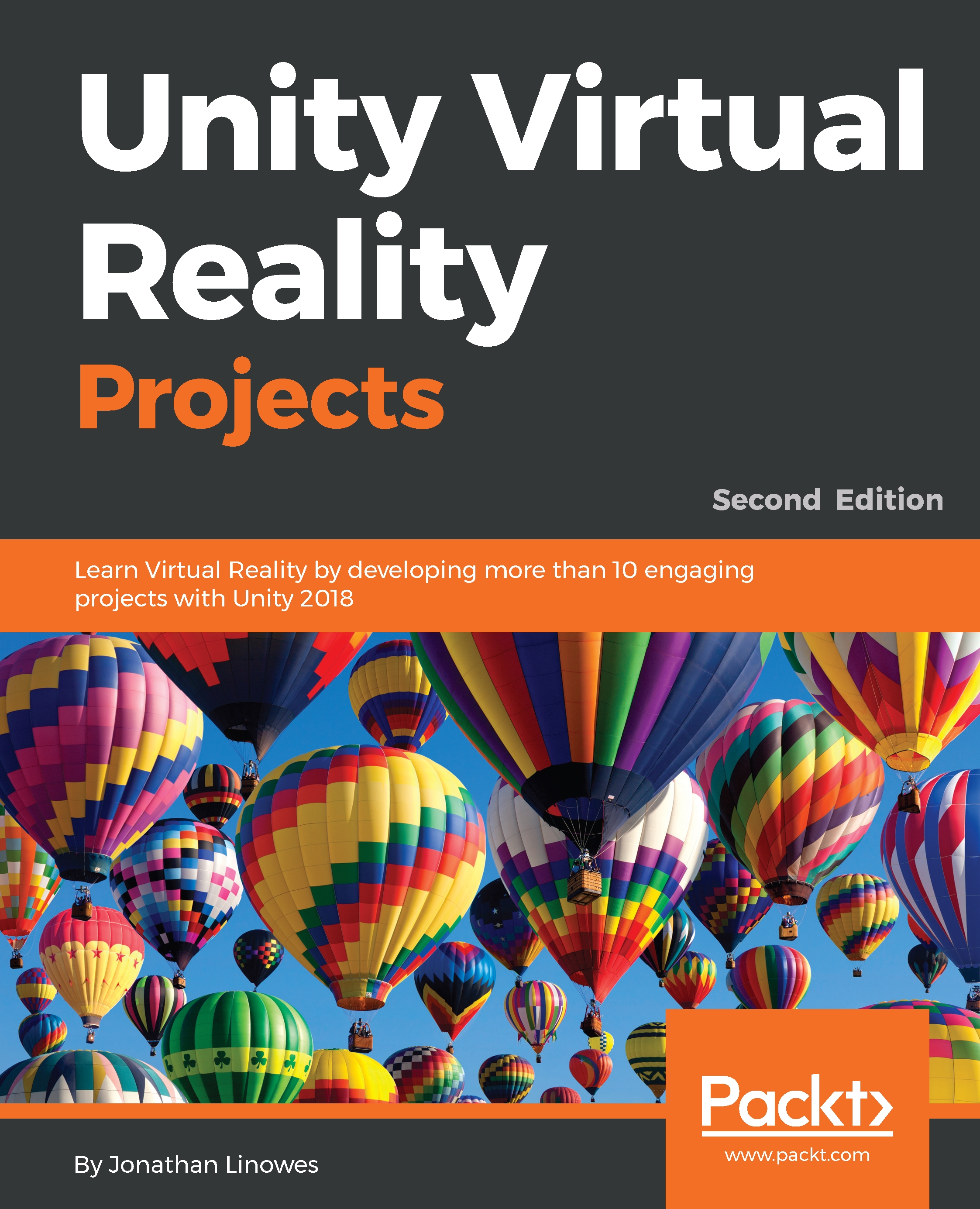
Unity Virtual Reality Projects - Second Edition

By : Jonathan Linowes
3.3 (4)
close
close
Unity Virtual Reality Projects

Unity Virtual Reality Projects

3.3 (4)
By: Jonathan Linowes

Overview of this book

Unity has become the leading platform for building virtual reality games, applications, and experiences for this new generation of consumer VR devices. Unity Virtual Reality Projects walks you through a series of hands-on tutorials and in-depth discussions on using the Unity game engine to develop VR applications. With its practical and project-based approach, this book will get you up to speed with the specifics of VR development in Unity. You will learn how to use Unity to develop VR applications that can be experienced with devices such as Oculus, Daydream, and Vive. Among the many topics and projects, you will explore gaze-based versus hand-controller input, world space UI canvases, locomotion and teleportation, software design patterns, 360-degree media, timeline animation, and multiplayer networking. You will learn about the Unity 3D game engine via the interactive Unity Editor, and you will also learn about C# programming. By the end of the book, you will be fully equipped to develop rich, interactive VR experiences using Unity.
Table of Contents (15 chapters)
close
close

Using third-party content

So far we have shown you how to use Unity and be productive creating a scene, but with pretty simple content. Inherently, Unity is not a 3D modeling or asset creation tool. Rather (as the name Unity suggests), it's a unified platform for pulling together content from a variety of sources to assemble and program a game or experience involving animation, physics, rendering effects, and so on. If you are a 3D artist you may know how to create content in other programs like Blender, 3D Studio Max, or Maya. If not, you can find a plethora of models on the web.

One terrific source is the Unity Asset Store (https://www.assetstore.unity3d.com/en/). Many asset packs are free, especially starter ones, with possible paid upgrades if you want more. If you are looking for a few things to get your learning and experimental projects going, here are some of my free...

CONTINUE READING
83
Tech Concepts
36
Programming languages
73
Tech Tools
Icon Unlimited access to the largest independent learning library in tech of over 8,000 expert-authored tech books and videos.
Icon Innovative learning tools, including AI book assistants, code context explainers, and text-to-speech.
Icon 50+ new titles added per month and exclusive early access to books as they are being written.
Unity Virtual Reality Projects
notes
bookmark Notes and Bookmarks search Search in title playlist Add to playlist download Download options font-size Font size

Change the font size

margin-width Margin width

Change margin width

day-mode Day/Sepia/Night Modes

Change background colour

Close icon Search
Country selected

Close icon Your notes and bookmarks

Confirmation

Modal Close icon
claim successful

Buy this book with your credits?

Modal Close icon
Are you sure you want to buy this book with one of your credits?
Close
YES, BUY

Submit Your Feedback

Modal Close icon
Modal Close icon
Modal Close icon