
Sign In Start Free Trial
Account

Add to playlist

Create a Playlist

Modal Close icon
You need to login to use this feature.
  • Book Overview & Buying Godot Engine Game Development Projects
  • Table Of Contents Toc
  • Feedback & Rating feedback
Godot Engine Game Development Projects

Godot Engine Game Development Projects

By : Chris Bradfield
3.9 (17)
close
close
Godot Engine Game Development Projects

Godot Engine Game Development Projects

3.9 (17)
By: Chris Bradfield

Overview of this book

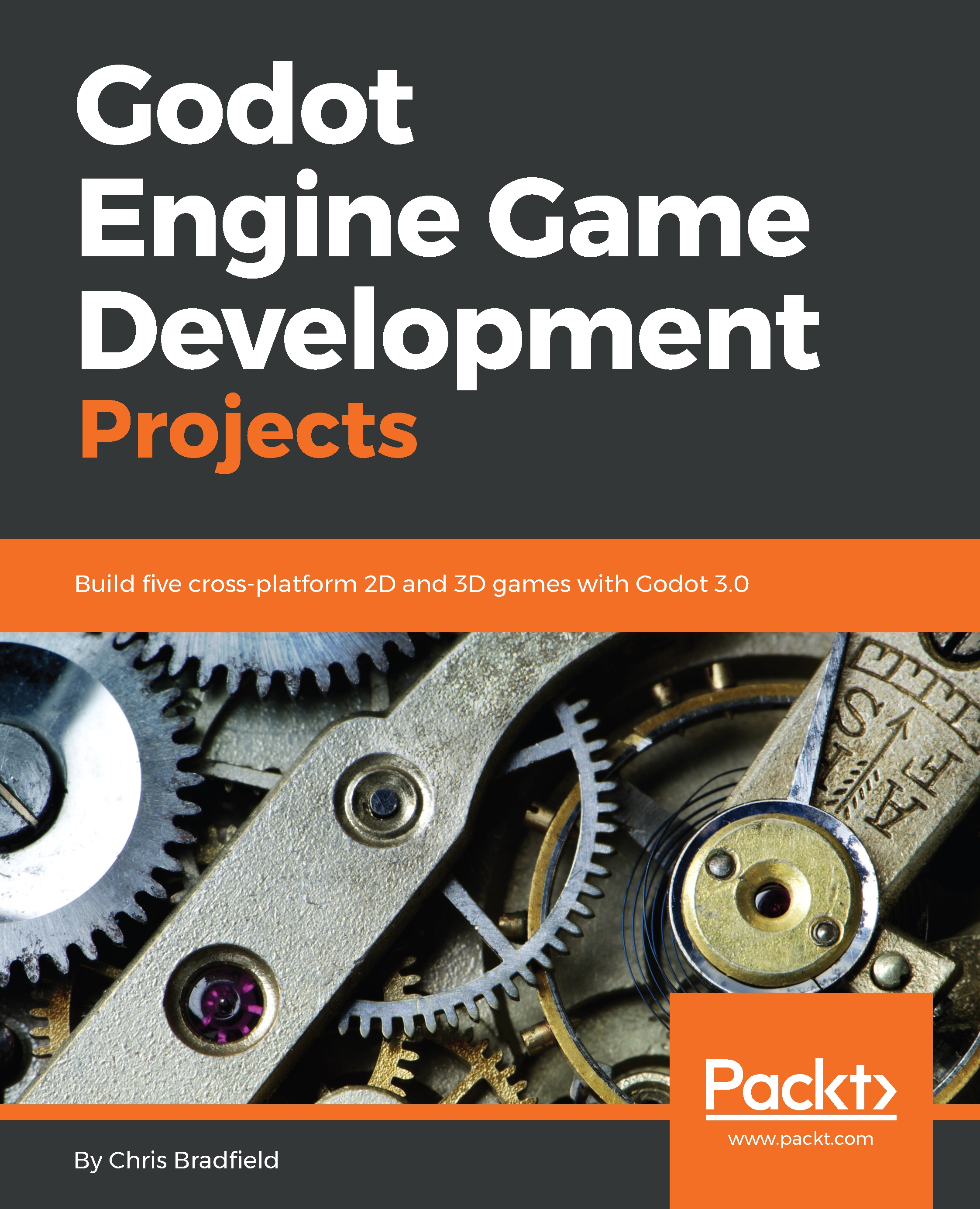
Godot Engine Game Development Projects is an introduction to the Godot game engine and its new 3.0 version. Godot 3.0 brings a large number of new features and capabilities that make it a strong alternative to expensive commercial game engines. For beginners, Godot offers a friendly way to learn game development techniques, while for experienced developers it is a powerful, customizable tool that can bring your visions to life. This book consists of five projects that will help developers achieve a sound understanding of the engine when it comes to building games. Game development is complex and involves a wide spectrum of knowledge and skills. This book can help you build on your foundation level skills by showing you how to create a number of small-scale game projects. Along the way, you will learn how Godot works and discover important game development techniques that you can apply to your projects. Using a straightforward, step-by-step approach and practical examples, the book will take you from the absolute basics through to sophisticated game physics, animations, and other techniques. Upon completing the final project, you will have a strong foundation for future success with Godot 3.0.
Table of Contents (9 chapters)
close
close

Using Godot's documentation

Learning Godot's API can seem overwhelming at first. How can you learn all the different nodes, and the properties and methods each one contains? Fortunately, Godot's built-in documentation is there to help you. Develop the habit of using it often: it will help you find things when you're learning, but it's also a great way to quickly look up a method or property for reference once you know your way around.

When you are in the Script tab of the editor, you'll see the following buttons in the upper-right corner:

The Online Docs button will open the documentation website in your browser. If you have a multimonitor setup, it can be very useful to keep the API reference open on one side for quick reference while you're working in Godot.

The other two buttons allow you to view the documentation directly in the Godot editor...

Visually different images
CONTINUE READING
83
Tech Concepts
36
Programming languages
73
Tech Tools
Icon Unlimited access to the largest independent learning library in tech of over 8,000 expert-authored tech books and videos.
Icon Innovative learning tools, including AI book assistants, code context explainers, and text-to-speech.
Icon 50+ new titles added per month and exclusive early access to books as they are being written.
Godot Engine Game Development Projects
notes
bookmark Notes and Bookmarks search Search in title playlist Add to playlist download Download options font-size Font size

Change the font size

margin-width Margin width

Change margin width

day-mode Day/Sepia/Night Modes

Change background colour

Close icon Search
Country selected

Close icon Your notes and bookmarks

Confirmation

Modal Close icon
claim successful

Buy this book with your credits?

Modal Close icon
Are you sure you want to buy this book with one of your credits?
Close
YES, BUY

Submit Your Feedback

Modal Close icon
Modal Close icon
Modal Close icon