
Sign In Start Free Trial
Account

Add to playlist

Create a Playlist

Modal Close icon
You need to login to use this feature.
  • Book Overview & Buying Delphi GUI Programming with FireMonkey
  • Table Of Contents Toc
  • Feedback & Rating feedback
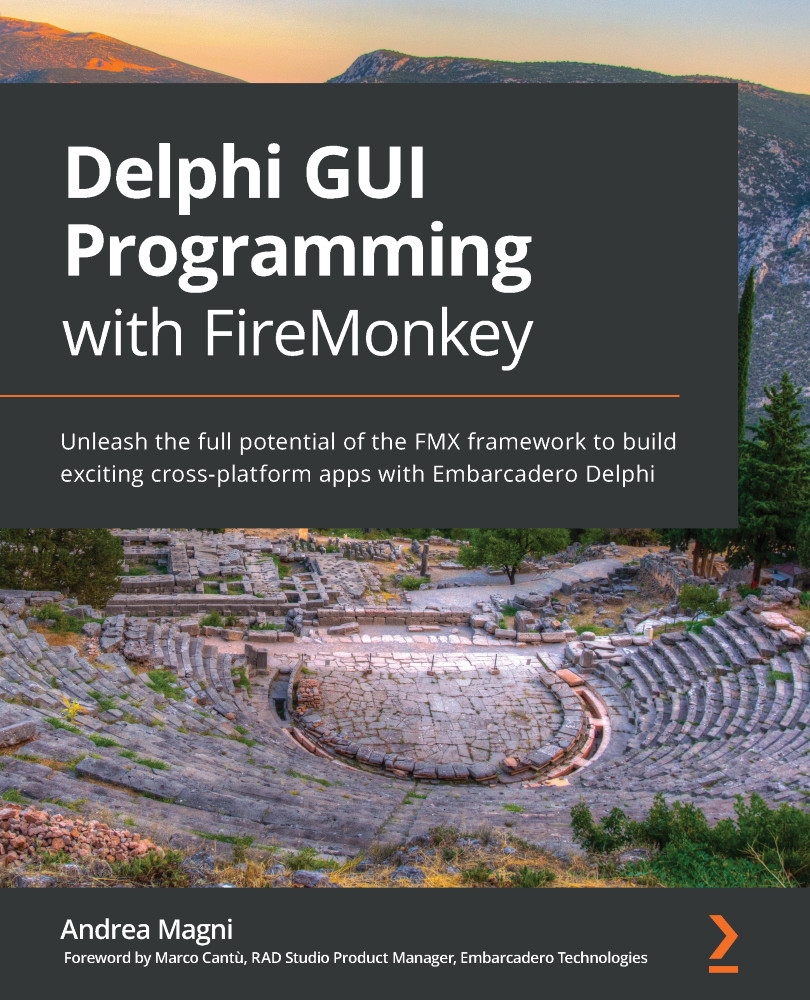
Delphi GUI Programming with FireMonkey

Delphi GUI Programming with FireMonkey

By : Magni
4.1 (14)
close
close
Delphi GUI Programming with FireMonkey

Delphi GUI Programming with FireMonkey

4.1 (14)
By: Magni

Overview of this book

FireMonkey (FMX) is a cross-platform application framework that allows developers to create exciting user interfaces and deliver applications on multiple operating systems (OS). This book will help you learn visual programming with Delphi and FMX. Starting with an overview of the FMX framework, including a general discussion of the underlying philosophy and approach, you’ll then move on to the fundamentals and architectural details of FMX. You’ll also cover a significant comparison between Delphi and the Visual Component Library (VCL). Next, you’ll focus on the main FMX components, data access/data binding, and style concepts, in addition to understanding how to deliver visually responsive UIs. To address modern application development, the book takes you through topics such as animations and effects, and provides you with a general introduction to parallel programming, specifically targeting UI-related aspects, including application responsiveness. Later, you’ll explore the most important cross-platform services in the FMX framework, which are essential for delivering your application on multiple platforms while retaining the single codebase approach. Finally, you’ll learn about FMX’s built-in 3D functionalities. By the end of this book, you’ll be familiar with the FMX framework and be able to build effective cross-platform apps.
Table of Contents (18 chapters)
close
close
1
Section 1: Delphi GUI Programming Frameworks
4
Section 2: The FMX Framework in Depth
13
Section 3: Pushing to The Top: Advanced Topics
Building Responsive Applications

In the previous chapters, we learned how to build visually responsive applications and how to add transitions and animations to them. Responsiveness also has another meaningbeing capable, as an application, to promptly respond to user interactions throughout its lifespan, even when some heavy tasks are ongoing.

In this chapter, we are going to discuss how to achieve such a capability. Delivering a truly responsive application automatically implies the overall user experience is great. The user will never be staring at the screen, uninformed of what's happening, waiting to understand whether something is going on or the application is stuck.

The topics that we will be covering in this chapter are the following:

  • Understanding multithreading
  • Understanding the thread safety of UI frameworks
  • Exploring threads and tasks
  • Introducing the...
Visually different images
CONTINUE READING
83
Tech Concepts
36
Programming languages
73
Tech Tools
Icon Unlimited access to the largest independent learning library in tech of over 8,000 expert-authored tech books and videos.
Icon Innovative learning tools, including AI book assistants, code context explainers, and text-to-speech.
Icon 50+ new titles added per month and exclusive early access to books as they are being written.
Delphi GUI Programming with FireMonkey
notes
bookmark Notes and Bookmarks search Search in title playlist Add to playlist download Download options font-size Font size

Change the font size

margin-width Margin width

Change margin width

day-mode Day/Sepia/Night Modes

Change background colour

Close icon Search
Country selected

Close icon Your notes and bookmarks

Confirmation

Modal Close icon
claim successful

Buy this book with your credits?

Modal Close icon
Are you sure you want to buy this book with one of your credits?
Close
YES, BUY

Submit Your Feedback

Modal Close icon
Modal Close icon
Modal Close icon