


-
Book Overview & Buying
-
Table Of Contents

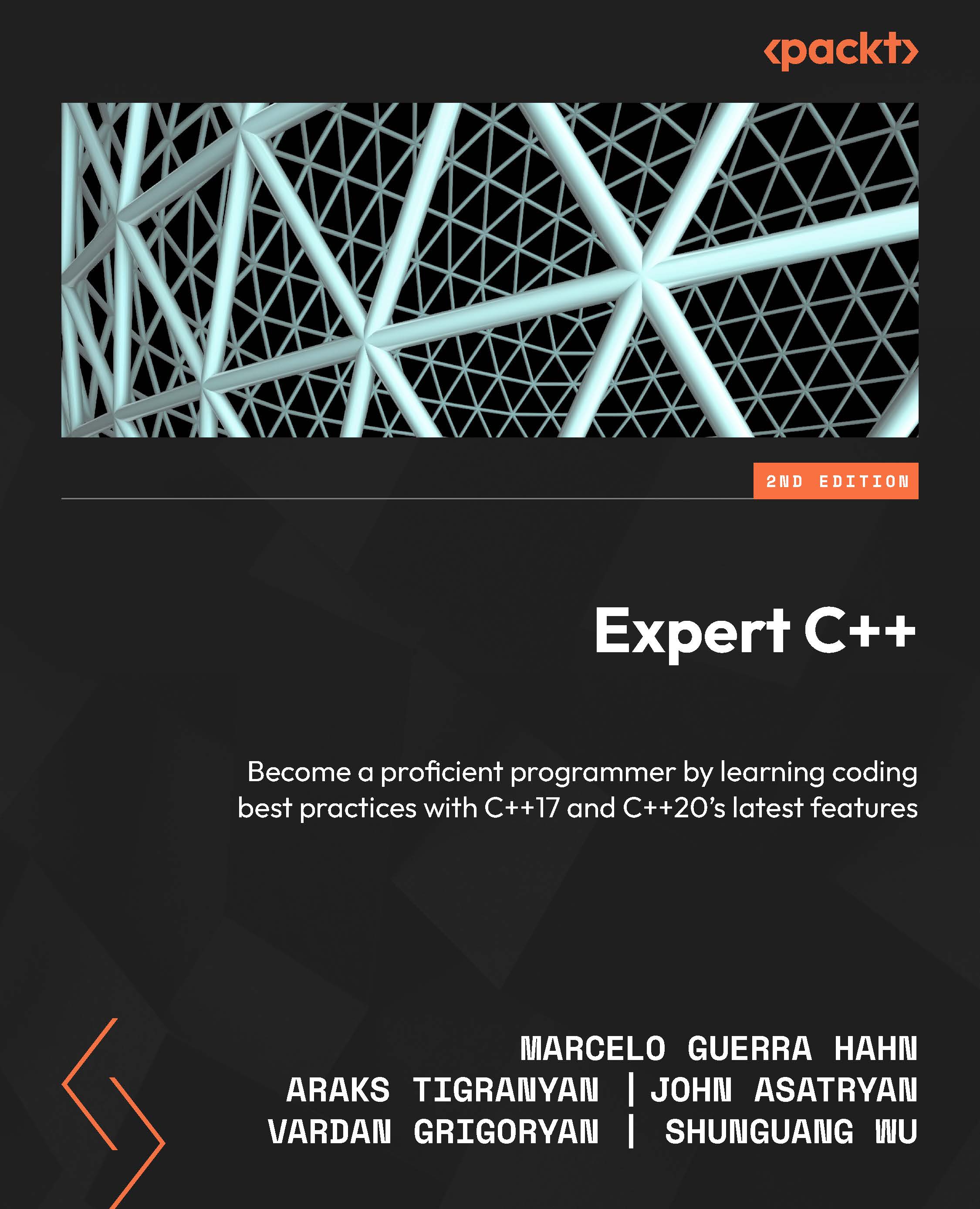
Expert C++ - Second Edition
By :


Expert C++
By:
Overview of this book
Are you an experienced C++ developer eager to take your skills to the next level? This updated edition of Expert C++ is tailored to propel you toward your goals.
This book takes you on a journey of building C++ applications while exploring advanced techniques beyond object-oriented programming. Along the way, you'll get to grips with designing templates, including template metaprogramming, and delve into memory management and smart pointers. Once you have a solid grasp of these foundational concepts, you'll advance to more advanced topics such as data structures with STL containers and explore advanced data structures with C++. Additionally, the book covers essential aspects like functional programming, concurrency, and multithreading, and designing concurrent data structures. It also offers insights into designing world-ready applications, incorporating design patterns, and addressing networking and security concerns. Finally, it adds to your knowledge of debugging and testing and large-scale application design.
With Expert C++ as your guide, you'll be empowered to push the boundaries of your C++ expertise and unlock new possibilities in software development.
Table of Contents (24 chapters)
Preface


Part 1:Under the Hood of C++ Programming
 Free Chapter
Chapter 1: Building C++ Applications
Chapter 2: Beyond Object-Oriented Programming
Chapter 3: Understanding and Designing Templates
Chapter 4: Template Meta Programming
Chapter 5: Memory Management and Smart Pointers
Part 2: Designing Robust and Efficient Applications
Chapter 6: Digging into Data Structures and Algorithms in STL
Chapter 7: Advanced Data Structures
Chapter 8: Functional Programming
Chapter 9: Concurrency and Multithreading
Chapter 10: Designing Concurrent Data Structures
Chapter 11: Designing World-Ready Applications
Chapter 12: Incorporating Design Patterns in C++ Applications
Chapter 13: Networking and Security
Chapter 14: Debugging and Testing

Chapter 15: Large-Scale Application Design
Part 3:C++ in the AI World
Chapter 16: Understanding and Using C++ in Machine Learning Tasks
Chapter 17: Using C++ in Data Science
Chapter 18: Designing and Implementing a Data Analysis Framework
Index


