


-
Book Overview & Buying
-
Table Of Contents

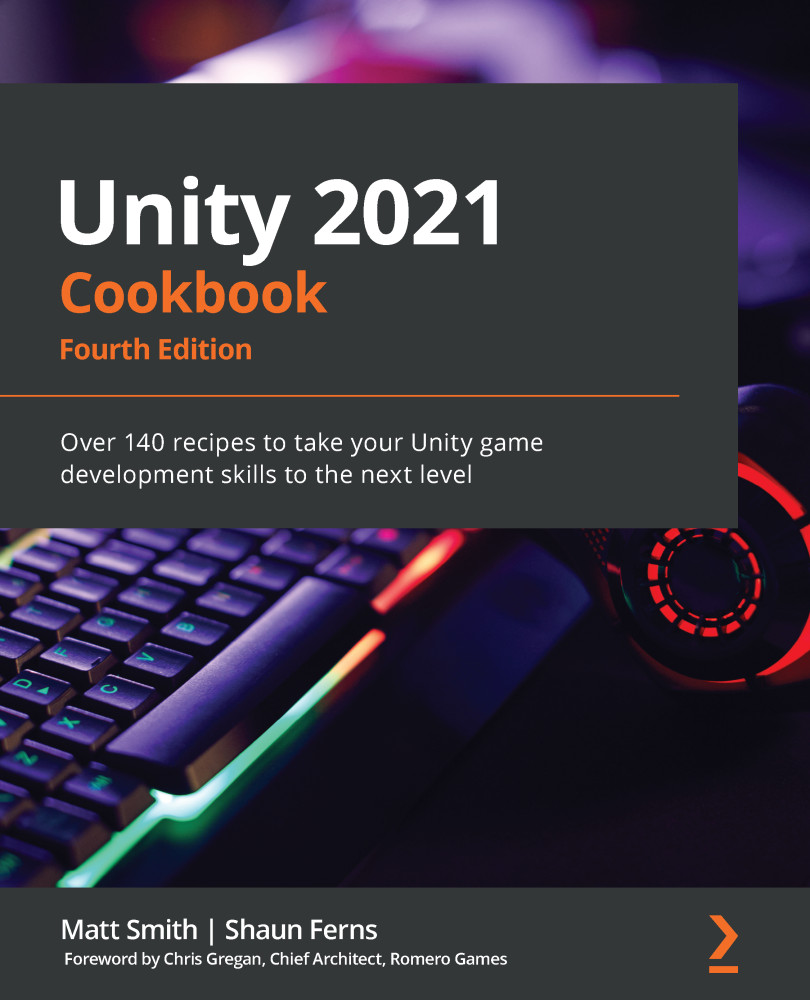
Unity 2021 Cookbook - Fourth Edition
By :


Unity 2021 Cookbook
By:
Overview of this book
If you are a Unity developer looking to explore the newest features of Unity 2021 and recipes for advanced challenges, then this fourth edition of Unity Cookbook is here to help you.
With this cookbook, you’ll work through a wide variety of recipes that will help you use the essential features of the Unity game engine to their fullest potential. You familiarize yourself with shaders and Shader Graph before exploring animation features to enhance your skills in building games.
As you progress, you will gain insights into Unity's latest editor, which will help you in laying out scenes, tweaking existing apps, and building custom tools for augmented reality and virtual reality (AR/VR) experiences. The book will also guide you through many Unity C# gameplay scripting techniques, teaching you how to communicate with database-driven websites and process XML and JSON data files.
By the end of this Unity book, you will have gained a comprehensive understanding of Unity game development and built your development skills. The easy-to-follow recipes will earn a permanent place on your bookshelf for reference and help you build better games that stay true to your vision.
Table of Contents (15 chapters)
Displaying Data with Core UI Elements


 Free Chapter
Responding to User Events for Interactive UIs
Inventory and Advanced UIs
Playing and Manipulating Sounds
Creating 3D Objects, Terrains, Textures, and Materials
2D Animation and Physics
Characters, Game Kits, and Starter Assets
Web Server Communication and Online Version Control
Controlling and Choosing Positions
Navigation Meshes and Agents
Cameras and Rendering Pipelines
Shader Graphs and Video Players
Advanced Topics - Gizmos, Automated Testing, and More

Particle Systems and Other Visual Effects
Virtual and Augmented Reality (VR/AR)


