


-
Book Overview & Buying
-
Table Of Contents

Flutter for Beginners - Third Edition
By :


Flutter for Beginners
By:
Overview of this book
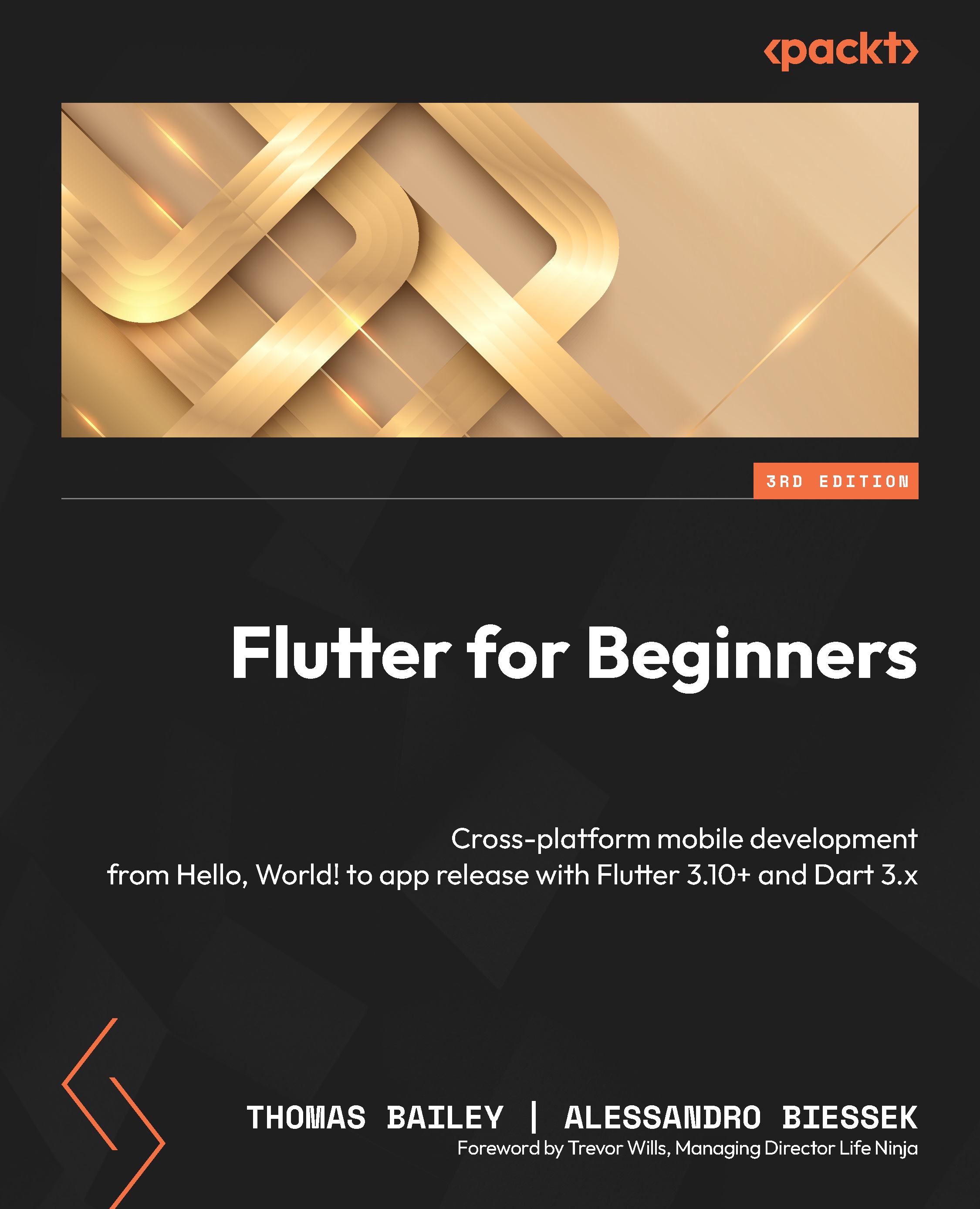
There have been many attempts at creating frameworks that are truly cross-platform, but most struggle to create a native-like experience at high-performance levels. Flutter achieves this with an elegant design and a wealth of third-party plugins, solidifying its status as the future of mobile app development. If you are a mobile developer who wants to create rich and expressive native apps with the latest Google Flutter framework, this book is for you.
You’ll start with the basics of cross-platform development frameworks, specifically Flutter. You’ll then explore the Dart programming language which is the foundation of the Flutter framework. Next, you’ll get a feel for Flutter and how to create your first app, followed by an exploration of the various popular plugins that supplement the Flutter framework. Finally, you’ll explore testing and app release, including some common glitches that you may experience.
By the end of this book, you’ll be well-equipped to create and release a basic Flutter app along with gaining a solid understanding of the Flutter framework and Dart language.
Table of Contents (20 chapters)
Preface


Part 1:Learning the Core Concepts
 Free Chapter
Chapter 1: What Is Flutter and Why Should I Use It?
Chapter 2: An Introduction to Dart
Chapter 3: Flutter versus Other Frameworks
Chapter 4: Dart Classes and Constructs
Part 2:Building a Basic Flutter App
Chapter 5: Building Your User Interface through Widgets
Chapter 6: Handling User Input and Gestures

Chapter 7: Let’s Get Graphical!
Chapter 8: Routing – Navigating between Screens
Part 3:Turning a Simple App into an Awesome App
Chapter 9: Flutter Plugins – Get Great Functionality for Free!
Chapter 10: Popular Third-Party Plugins
Chapter 11: Using Widget Manipulations and Animations
Part 4:Testing and Releasing Your App
Chapter 12: Testing and Debugging
Chapter 13: Releasing Your App to the World
Index



