


-
Book Overview & Buying
-
Table Of Contents

Maximizing Tableau Server
By :


Maximizing Tableau Server
By:
Overview of this book
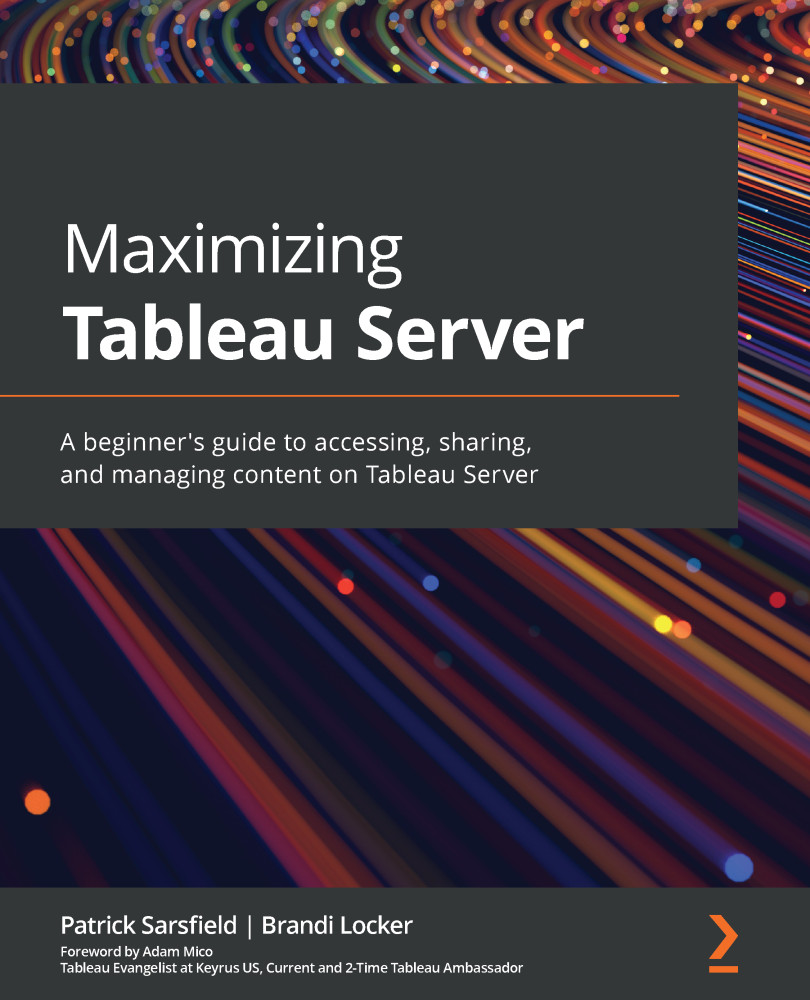
Tableau Server is a business intelligence application that provides a centralized location to store, edit, share, and collaborate on content, such as dashboards and curated data sources. This book gets you up and running with Tableau Server to help you increase end-user engagement for your published work as well as reduce or eliminate redundant tasks.
You’ll explore Tableau Server's structure and how to get started by connecting, publishing content, and navigating the software interface. Next, you’ll learn when and how to update the settings of your content at various levels to best utilize Tableau Server’s features. You’ll understand how to interact with the Tableau Server interface to locate, sort, filter, manage and customize content. Later, the book shows you how to leverage other valuable features that enable you and your audience to share, download, and interact with content on Tableau Server. As you progress, you’ll cover principles to increase the performance of your published content. All along, the book shows you how to navigate, interact with, and use Tableau Server with the help of engaging examples and best practices shared by recognized Tableau professionals.
By the end of this Tableau book, you’ll have a solid understanding of how to use Tableau Server to manage content, automate tasks, and increase end-user engagement.
Table of Contents (16 chapters)
Preface


Section 1: Getting Started with Tableau Server
 Free Chapter
Chapter 1: What is Tableau Server?
Chapter 2: How to Connect and Publish to Tableau Server
Section 2: Navigating and Customizing the Tableau Server Interface
Chapter 3: The Tableau Server Navigation Pane
Chapter 4: Tableau Server Top Toolbar
Chapter 5: Filtering and Sorting Content
Section 3: Managing Content on Tableau Server
Chapter 6: Navigating Content Pages in Tableau Server
Chapter 7: What is in the More Actions (…) Menu
Chapter 8: Interacting with Views on Tableau Server
Section 4: Final Thoughts
Chapter 9: Tableau Server Best Practices

Chapter 10: Conclusion
Other Books You May Enjoy


