-
Book Overview & Buying
-
Table Of Contents

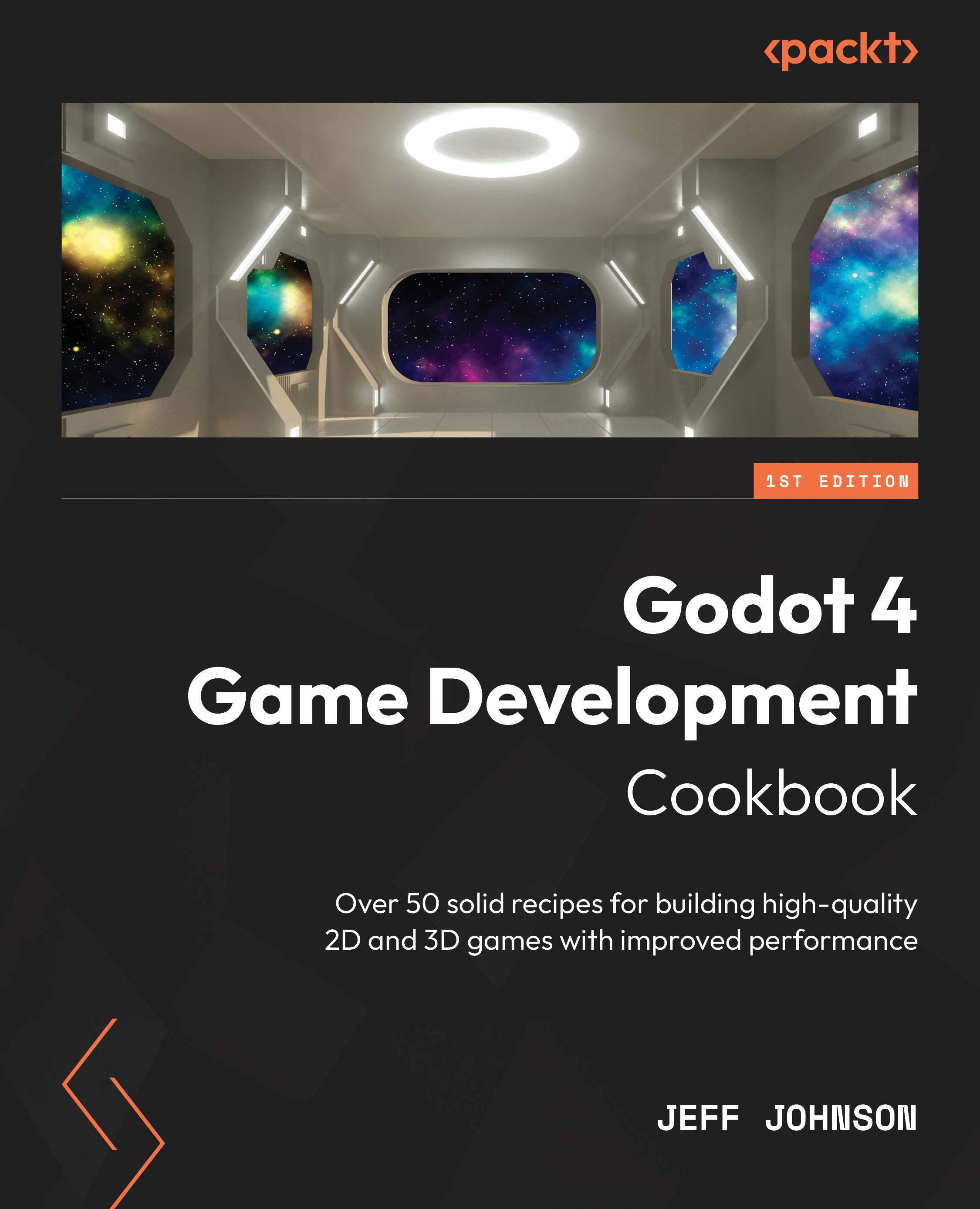
Godot 4 Game Development Cookbook
By :


Godot 4 Game Development Cookbook
By:
Overview of this book
Want to transition from Godot 3 to 4? Look no further than the Godot 4 Game Development Cookbook. This comprehensive guide covers everything you need to become proficient with the latest GUI, GDscript 2.0, Vulkan 2D/3D rendering, shaders, audio, physics, TileSet/TileMap, importing, sound/music, animation, and multiplayer workflows. With its detailed recipes, the book leaves no stone unturned.
The Godot 4 Cookbook begins by exploring the updated graphical user interface and helps you familiarize yourself with the new features of GDscript 2.0. Next, it delves into the efficient rendering of 2D and 3D graphics using the Vulkan renderer. As it guides you in navigating the new Godot 4 platform, the book offers an in-depth understanding of shaders, including the latest enhancements to the shader language. Moreover, it covers a range of other topics, including importing from Blender, working with audio, and demystifying the new Vulkan Renderer and the physics additions for 2D and 3D. The book also shows you how the new changes to TileSet and TileMap make 2D game development easy. Advanced topics such as importing in Godot 4, adding sound and music to games, making changes in the Animation editor, and including workflows for multiplayer in Godot 4 are covered in detail.
By the end of this game development book, you’ll have gained a better understanding of Godot 4 and will be equipped with various powerful techniques to enhance your Godot game development efficiency.
Table of Contents (13 chapters)
Preface


Chapter 1: Exploring the Godot 4 Editor
 Free Chapter
Chapter 2: Transitioning to GDScript 2.0

Chapter 3: 2D and 3D Rendering with Vulkan
Chapter 4: Practicing Physics and Handling Navigation in Godot 4
Chapter 5: Playing with Shaders in Godot 4
Chapter 6: Importing 3D Assets in Godot 4
Chapter 7: Adding Sound and Music to Your Game
Chapter 8: Making 2D Games Easier with TileSet and TileMap
Chapter 9: Achieving Better Animations Using the New Animation Editor
Chapter 10: Exploring New Multiplayer Features in Godot 4
Index