


-
Book Overview & Buying
-
Table Of Contents

Architectural Visualization in Unreal Engine 5
By :


Architectural Visualization in Unreal Engine 5
By:
Overview of this book
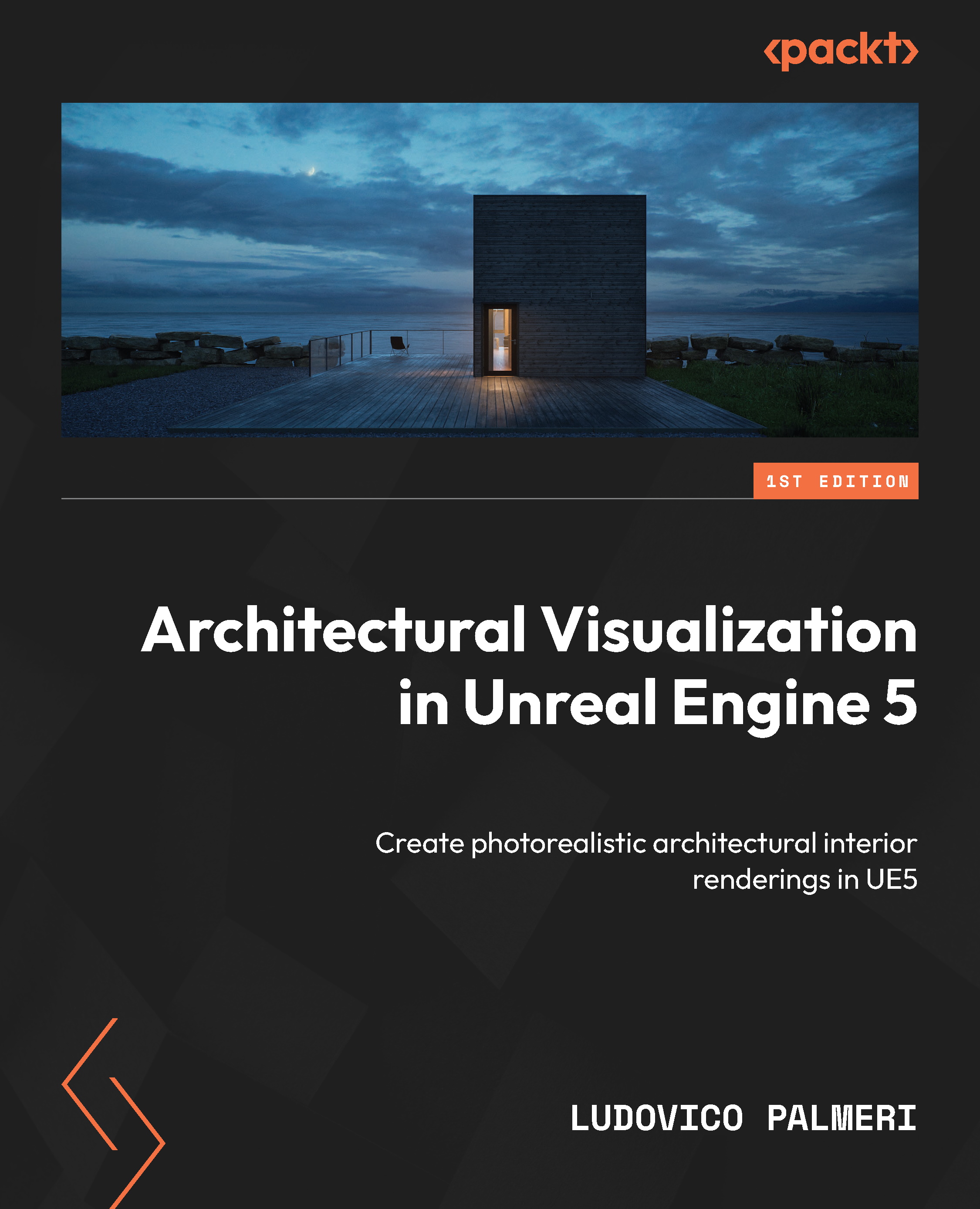
If you excel at creating beautiful architectural renderings using traditional software but want to master real-time, interactive visualizations, this book will show you how the versatile Unreal Engine 5 enables such transformations effortlessly. While UE5 is widely popular, existing online training resources can be overwhelming and often lack a focus on Architectural visualization. This comprehensive guide is for both beginners and experienced users offering a clear, end-to-end approach to creating stunning visualizations from scratch as well as managing tight deadlines, striving for photorealism, and handling typical client revisions inherent to architectural visualization.
The book starts with an introduction to UE5 and its capabilities, as well as the basic concepts and principles of architectural visualization. You'll then progress to essential topics such as setting up a project, modeling and texturing 3D assets, lighting and materials, and post-processing effects. Along the way, you'll find practical tips, best practices, and hands-on exercises to develop your skills by applying what you learn.
By the end of this book, you'll have acquired the skills to confidently create high-quality architectural visualizations in UE5 and become proficient in building an architectural interior scene to produce professional still images.
Table of Contents (24 chapters)
Preface


Part 1: Building the Scene
 Free Chapter
Chapter 1: Setting Up the Project
Chapter 2: Preparing the Scene
Chapter 3: Importing the Scene
Chapter 4: Managing Your Assets
Part 2: Illuminating and Materializing the Scene
Chapter 5: Lighting in Unreal – the Essentials
Chapter 6: Lighting the Scene
Chapter 7: Exploring Materials
Chapter 8: Creating Architectural Materials
Chapter 9: Detailing the Scene with Decals
Part 3: Completing the Scene
Chapter 10: Making Interactive Elements Using Blueprints
Chapter 11: Communicating between Blueprints
Chapter 12: Optimizing the Scene
Part 4: Rendering the Scene
Chapter 13: Setting Up Cameras
Chapter 14: Post-Processing Images

Chapter 15: Discovering the Sequencer
Chapter 16: Rendering the Scene
Index
Other Books You May Enjoy
Appendix:Substrate Materials


