


-
Book Overview & Buying
-
Table Of Contents

Learn C# Programming
By :


Learn C# Programming
By:
Overview of this book
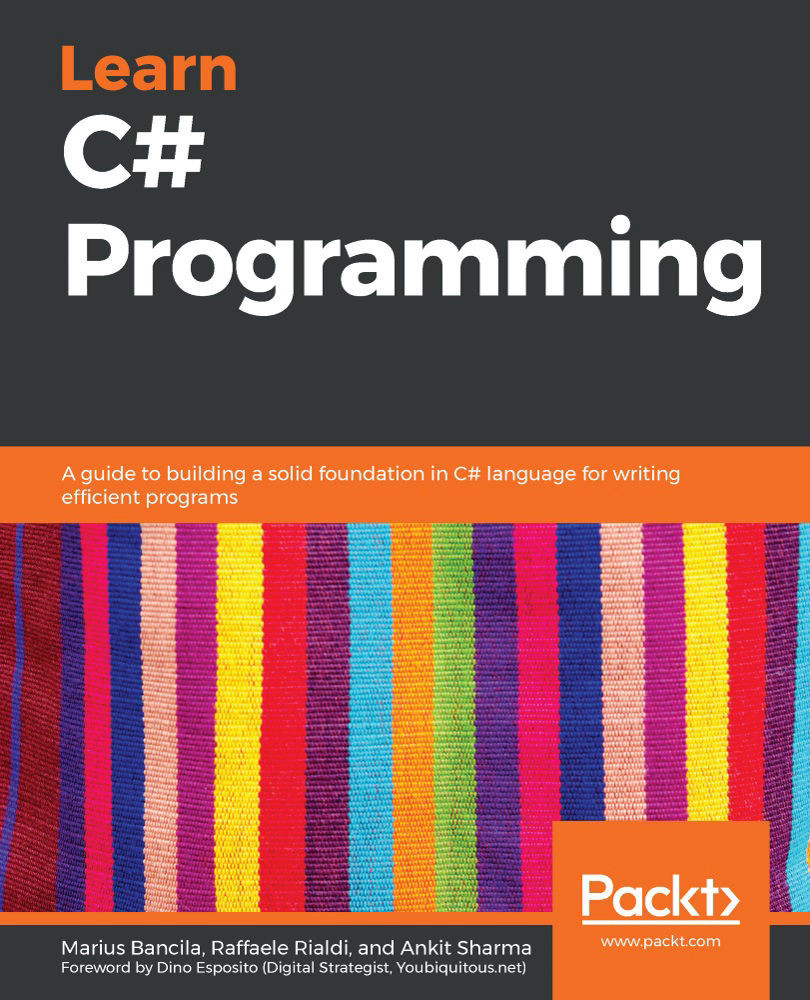
The C# programming language is often developers’ primary choice for creating a wide range of applications for desktop, cloud, and mobile. In nearly two decades of its existence, C# has evolved from a general-purpose, object-oriented language to a multi-paradigm language with impressive features.
This book will take you through C# from the ground up in a step-by-step manner. You'll start with the building blocks of C#, which include basic data types, variables, strings, arrays, operators, control statements, and loops. Once comfortable with the basics, you'll then progress to learning object-oriented programming concepts such as classes and structures, objects, interfaces, and abstraction. Generics, functional programming, dynamic, and asynchronous programming are covered in detail. This book also takes you through regular expressions, reflection, memory management, pattern matching, exceptions, and many other advanced topics. As you advance, you'll explore the .NET Core 3 framework and learn how to use the dotnet command-line interface (CLI), consume NuGet packages, develop for Linux, and migrate apps built with .NET Framework. Finally, you'll understand how to run unit tests with the Microsoft unit testing frameworks available in Visual Studio.
By the end of this book, you’ll be well-versed with the essentials of the C# language and be ready to start creating apps with it.
Table of Contents (20 chapters)
Preface


Chapter 1: Starting with the Building Blocks of C#
 Free Chapter
Chapter 2: Data Types and Operators
Chapter 3: Control Statements and Exceptions
Chapter 4: Understanding the Various User-Defined Types
Chapter 5: Object-Oriented Programming in C#
Chapter 6: Generics
Chapter 7: Collections
Chapter 8: Advanced Topics
Chapter 9: Resource Management
Chapter 10: Lambdas, LINQ, and Functional Programming
Chapter 11: Reflection and Dynamic Programming
Chapter 12: Multithreading and Asynchronous Programming
Chapter 13: Files, Streams, and Serialization
Chapter 14: Error Handling
Chapter 15: New Features of C# 8
Chapter 16: C# in Action with .NET Core 3
Chapter 17: Unit Testing
Assessments

Other Books You May Enjoy


