


-
Book Overview & Buying
-
Table Of Contents

ZBrush 4 Sculpting for Games: Beginner's Guide
By :


ZBrush 4 Sculpting for Games: Beginner's Guide
By:
Overview of this book
ZBrush is a fantastic tool for creating models for use in computer games. Using a wide range of powerful tools you can create models for vehicles, props, environments, and characters.
This book makes creating game art in ZBrush fast and easy. It covers everything you need to create models of all kinds for your game projects, even if you've never used ZBrush before.
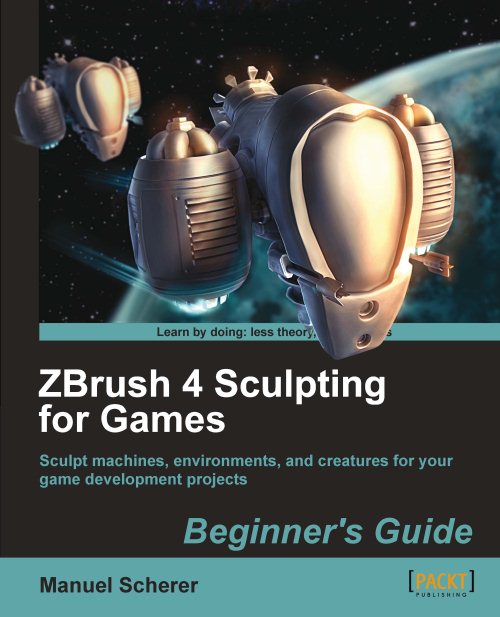
Built around four complete ZBrush projects, the book gives you everything you need to sculpt props, vehicles, and creatures in ZBrush. You'll start by creating a "spooky tree" model, mastering the sculpting, texturing, and decoration skills that are essential for all ZBrush topics. Next you'll move to man-made objects with a sci-fi drone. Next you'll see how to sculpt monsters and other creatures, deal with cloth and other soft materials, and prepare the model to become an animated, controllable character in a game. The final project returns to machines, building a complete, detailed spaceship for use in your sci-fi games.
Table of Contents (24 chapters)
ZBrush 4 Sculpting for Games


Credits
About the Author
About the Reviewers
www.PacktPub.com
Preface
 Free Chapter
Getting Started
Learning the Interface
Modeling a Spooky Tree with ZSpheres

Adding Details to the Tree
Texturing the Tree with Polypaint
Adding an Environment to the Tree
Modeling a Sci-Fi Drone
Sci-Fi-Drone: Hard Surface Sculpting
Sci-Fi-Drone: Creating a Normal Map
Modeling a Creature with ZSketch
Sculpting the Creature's Body
Sculpting Fur and Accessories
Preparing the Creature for Games
Modeling the Harvester Ship
Detailing the Harvester Ship
Finishing the Harvester Ship
Epilogue
Pop quiz -


