Sign In Start Free Trial
Account

Add to playlist

Create a Playlist

Modal Close icon
You need to login to use this feature.
  • Book Overview & Buying Learning Design Patterns with Unity
  • Table Of Contents Toc
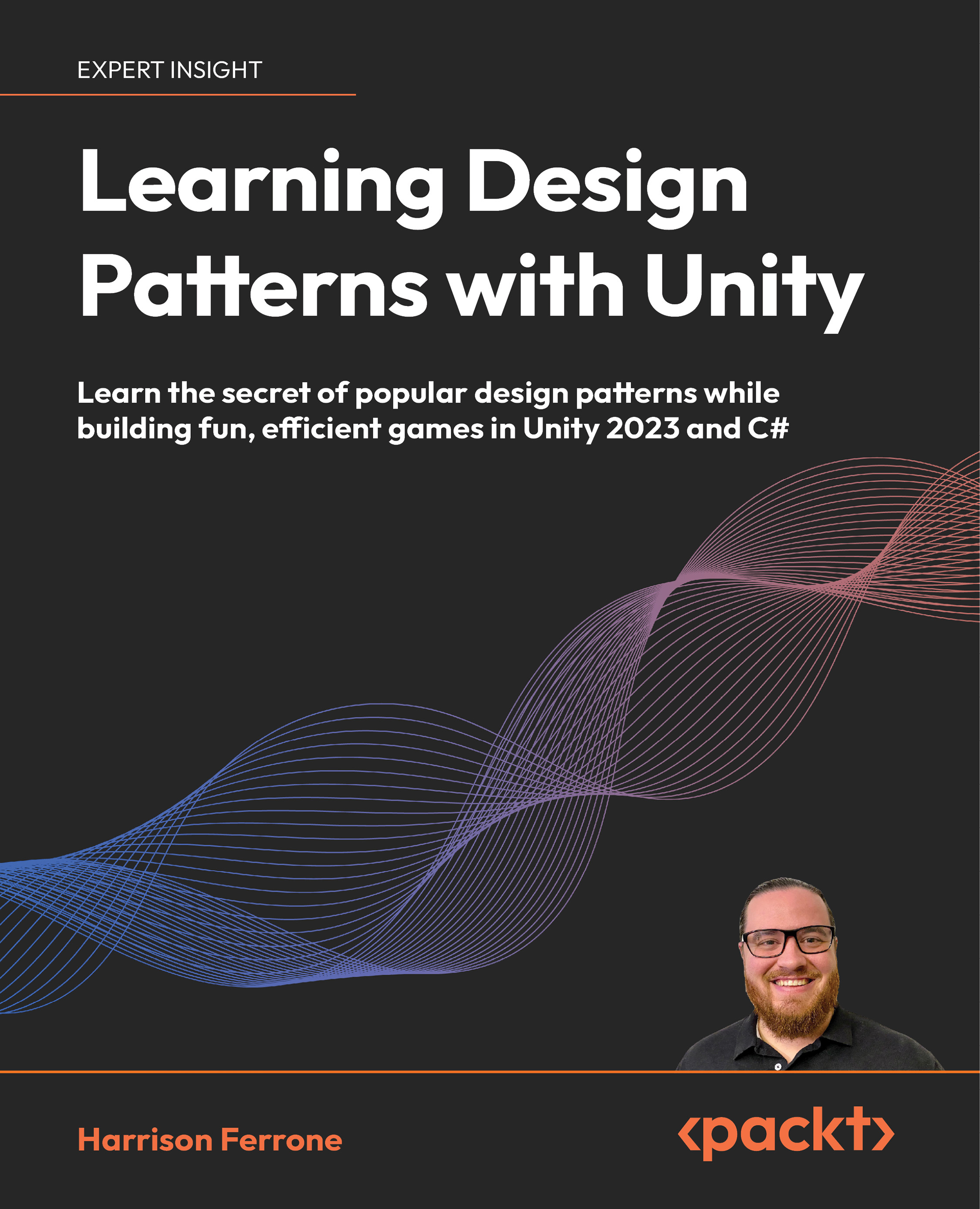
Learning Design Patterns with Unity

Learning Design Patterns with Unity

By : Harrison Ferrone
4.8 (31)
close
close
Learning Design Patterns with Unity

Learning Design Patterns with Unity

4.8 (31)
By: Harrison Ferrone

Overview of this book

Struggling to write maintainable and clean code for your Unity games? Look no further! Learning Design Patterns with Unity empowers you to harness the fullest potential of popular design patterns while building exciting Unity projects. Through hands-on game development, you'll master creational patterns like Prototype to efficiently spawn enemies and delve into behavioral patterns like Observer to create reactive game mechanics. As you progress, you'll also identify the negative impacts of bad architectural decisions and understand how to overcome them with simple but effective practices. By the end of this Unity 2023 book, the way you develop Unity games will change. You'll emerge not just as a more skilled Unity developer, but as a well-rounded software engineer equipped with industry-leading design patterns.
Table of Contents (23 chapters)
close
close
21
Other Books You May Enjoy
22
Index

Priming the System

As programmers, our job is to design, build, and integrate software features into cohesive products that are useful and hopefully bring joy to our users. And somewhere in all of that, the software has to work. Our job can be anything from building a login feature or networking layer to a subscription and payment portal. In games, we’re thinking of moving a playable character, building an adaptive AI enemy, or adding a random level generator. The big idea that should pop out at you is that these elements don’t exist in a vacuum. In fact, they tend to wither and die of boredom if they’re not connected to each other.

When you think of the code powering your applications and games, you’re thinking about a collection of systems built around specific features or mechanics, but more importantly, around specific problems that come with making those features work as expected. If I could manage it, I’d have the word systems jump off the page and do a little dance to get your attention, because that’s what this entire book is about: games (and applications) are made up of systems – the more these systems grow and interact with each other, the more complicated things get.

Systems may not be anything new to you, and they’re certainly not new to the programming industry, but there are problems that you’ll repeatedly run into that are directly related to systems running and interacting. And that’s really what I want to drive home before we get started: design patterns provide reusable solutions to problems we face in our everyday software lives and offer a common vocabulary for understanding and talking about best practices.

Now the real work starts – how do we identify the parts of our code that could benefit from a design pattern? How does all this relate to software architecture? How can I adapt these patterns for game development in Unity?

These are big questions, which is why we’re spending this first chapter getting a holistic feel for the following topics:

  • Software architecture vs software design
  • Design patterns and the categories they belong to (creational, structural, and behavioral)
  • Why use design patterns at all?
  • When to use design patterns
  • Common pitfalls
  • Starter projects for this book

By the end of the chapter, you’ll have the necessary foundation to dive into design pattern implementations and a big-picture view of the flexibility, reusability, and structure they can add to your projects. But first, let’s make sure you know what to expect from this book and that you’re coming to the table with the prerequisites for getting the most out of the experience.

At the time of writing, all chapter examples and project files were built using Unity 2023.1.5f1. Unity is the visual tool we’re using to make the learning process more inviting, but the bones of the design pattern content are still 100% applicable to C# projects. The main differences that come into play between Unity, C#, and design patterns are how objects are created (new classes vs MonoBehaviours) and assembled (inheritance vs GameObjects and Components). Don’t worry, we’ll cover these variations in each pattern. Learning how each design pattern works as a system doesn’t depend on a specific platform or language – it’s all problem-solving skills!

CONTINUE READING
83
Tech Concepts
36
Programming languages
73
Tech Tools
Icon Unlimited access to the largest independent learning library in tech of over 8,000 expert-authored tech books and videos.
Icon Innovative learning tools, including AI book assistants, code context explainers, and text-to-speech.
Icon 50+ new titles added per month and exclusive early access to books as they are being written.
Learning Design Patterns with Unity
notes
bookmark Notes and Bookmarks search Search in title playlist Add to playlist download Download options font-size Font size

Change the font size

margin-width Margin width

Change margin width

day-mode Day/Sepia/Night Modes

Change background colour

Close icon Search
Country selected

Close icon Your notes and bookmarks

Confirmation

Modal Close icon
claim successful

Buy this book with your credits?

Modal Close icon
Are you sure you want to buy this book with one of your credits?
Close
YES, BUY

Submit Your Feedback

Modal Close icon
Modal Close icon
Modal Close icon