
Sign In Start Free Trial
Account

Add to playlist

Create a Playlist

Modal Close icon
You need to login to use this feature.
  • Book Overview & Buying Software Architecture with C++
  • Table Of Contents Toc
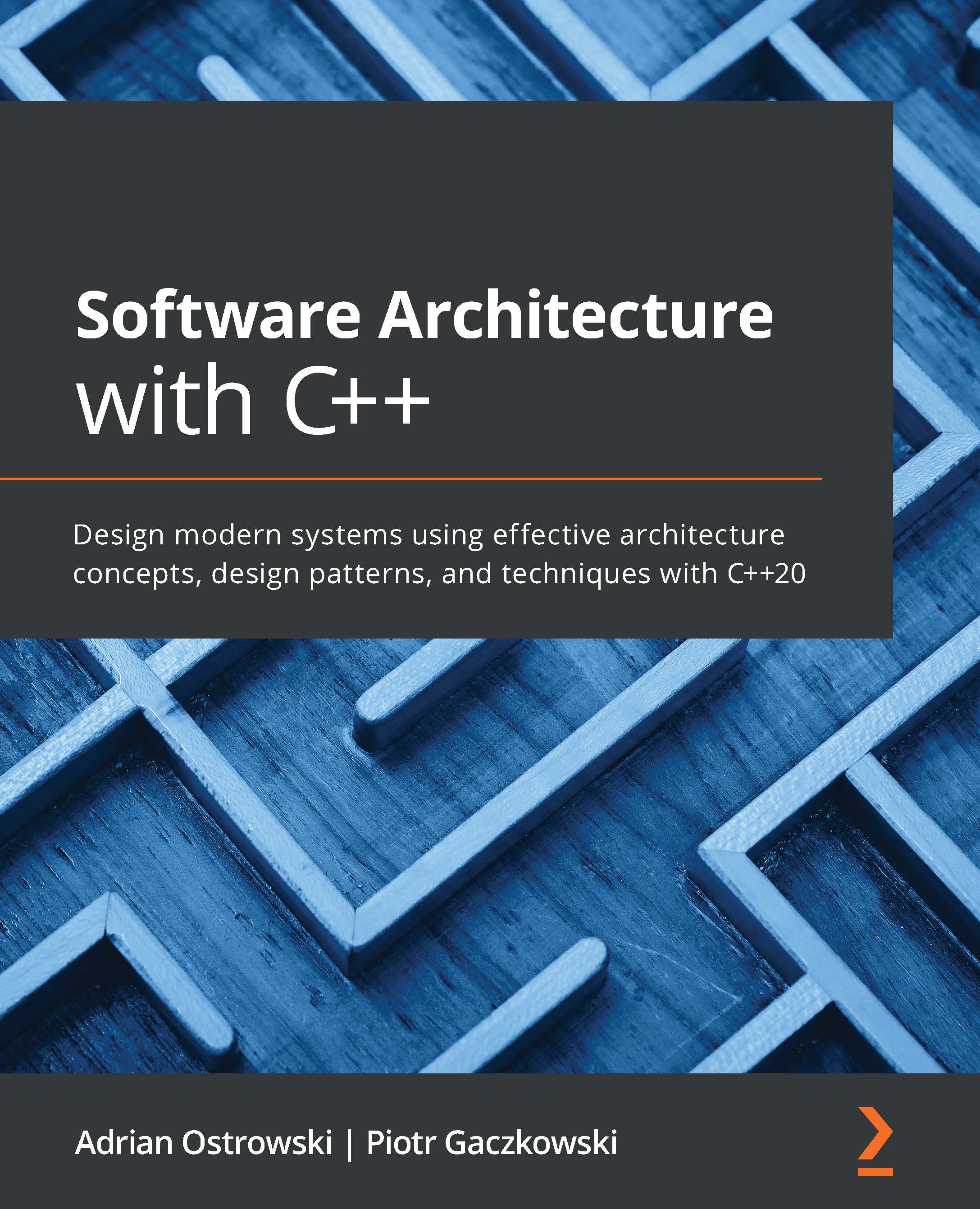
Software Architecture with C++

Software Architecture with C++

By : Adrian Ostrowski, Piotr Gaczkowski
4.3 (14)
close
close
Software Architecture with C++

Software Architecture with C++

4.3 (14)
By: Adrian Ostrowski, Piotr Gaczkowski

Overview of this book

Software architecture refers to the high-level design of complex applications. It is evolving just like the languages we use, but there are architectural concepts and patterns that you can learn to write high-performance apps in a high-level language without sacrificing readability and maintainability. If you're working with modern C++, this practical guide will help you put your knowledge to work and design distributed, large-scale apps. You'll start by getting up to speed with architectural concepts, including established patterns and rising trends, then move on to understanding what software architecture actually is and start exploring its components. Next, you'll discover the design concepts involved in application architecture and the patterns in software development, before going on to learn how to build, package, integrate, and deploy your components. In the concluding chapters, you'll explore different architectural qualities, such as maintainability, reusability, testability, performance, scalability, and security. Finally, you will get an overview of distributed systems, such as service-oriented architecture, microservices, and cloud-native, and understand how to apply them in application development. By the end of this book, you'll be able to build distributed services using modern C++ and associated tools to deliver solutions as per your clients' requirements.
Table of Contents (24 chapters)
close
close
1
Section 1: Concepts and Components of Software Architecture
5
Section 2: The Design and Development of C++ Software
6
Architectural and System Design
10
Section 3: Architectural Quality Attributes
15
Section 4: Cloud-Native Design Principles
21
About Packt

Using CPack

In this section, we'll describe how to use CPack, the packaging tool that comes with CMake.

CPack allows you to easily create packages in various formats, ranging from ZIP and TGZ archives through to DEB and RPM packages, and even installation wizards such as NSIS or a few OS X-specific ones. Once you have your installation logic in place, it's not hard to integrate the tool. Let's show how to use CPack to package our project.

First, we need to specify variables that CPack will use when creating the packages:

 set(CPACK_PACKAGE_VENDOR "Authors")
set(CPACK_PACKAGE_CONTACT "[email protected]")
set(CPACK_PACKAGE_DESCRIPTION_SUMMARY
"Library and app for the Customer microservice")

We need to give some information by hand, but some variables can be filled based on our project version specified when we defined our project. There are many more CPack variables and you can read about all of them in the CPack link in the Further reading...

Visually different images
CONTINUE READING
83
Tech Concepts
36
Programming languages
73
Tech Tools
Icon Unlimited access to the largest independent learning library in tech of over 8,000 expert-authored tech books and videos.
Icon Innovative learning tools, including AI book assistants, code context explainers, and text-to-speech.
Icon 50+ new titles added per month and exclusive early access to books as they are being written.
Software Architecture with C++
notes
bookmark Notes and Bookmarks search Search in title playlist Add to playlist download Download options font-size Font size

Change the font size

margin-width Margin width

Change margin width

day-mode Day/Sepia/Night Modes

Change background colour

Close icon Search
Country selected

Close icon Your notes and bookmarks

Confirmation

Modal Close icon
claim successful

Buy this book with your credits?

Modal Close icon
Are you sure you want to buy this book with one of your credits?
Close
YES, BUY

Submit Your Feedback

Modal Close icon
Modal Close icon
Modal Close icon